Most visitors to a B2B website leave without filling out a form. Yet, some of these visits come from companies actively comparing solutions. Identifying your website visitors allows you to know which companies are interested in your offer and to contact them at the right time. Here's how identification works, what tools are available, what the limitations are, and how to turn a visit into a meeting.
Identifying your website visitors: the essentials
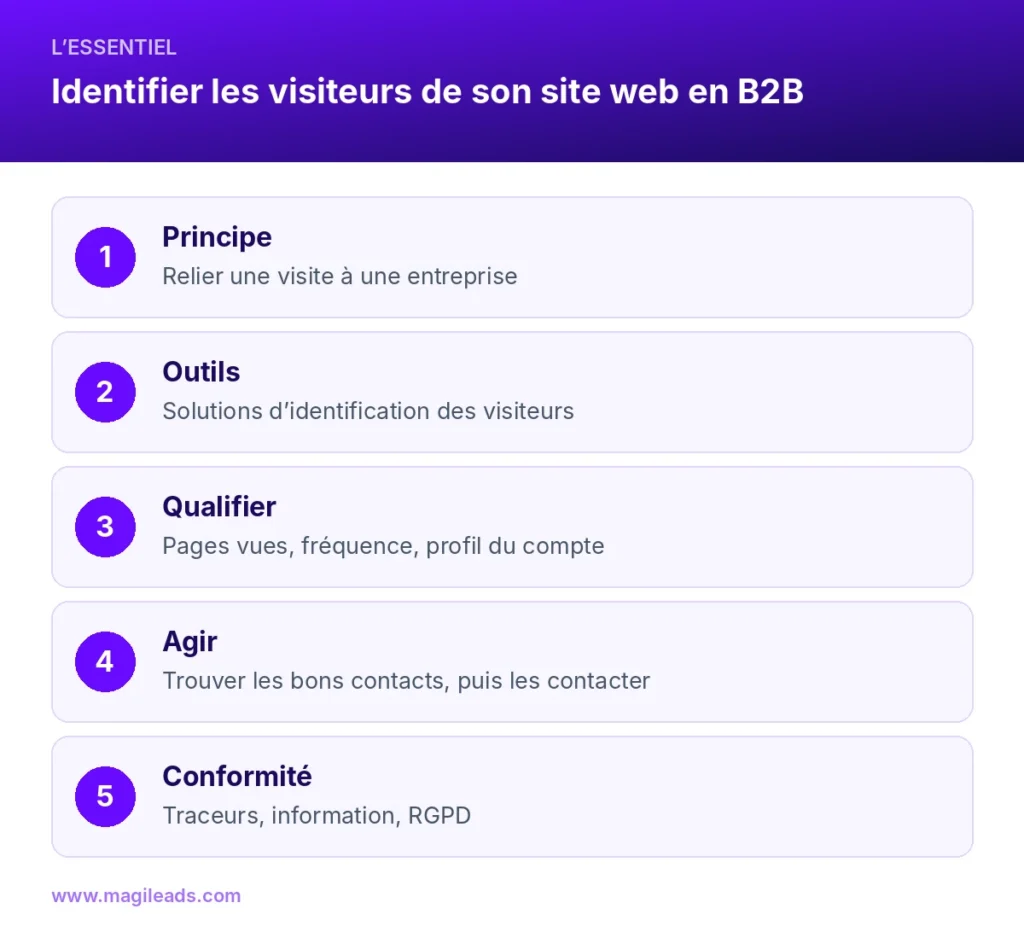
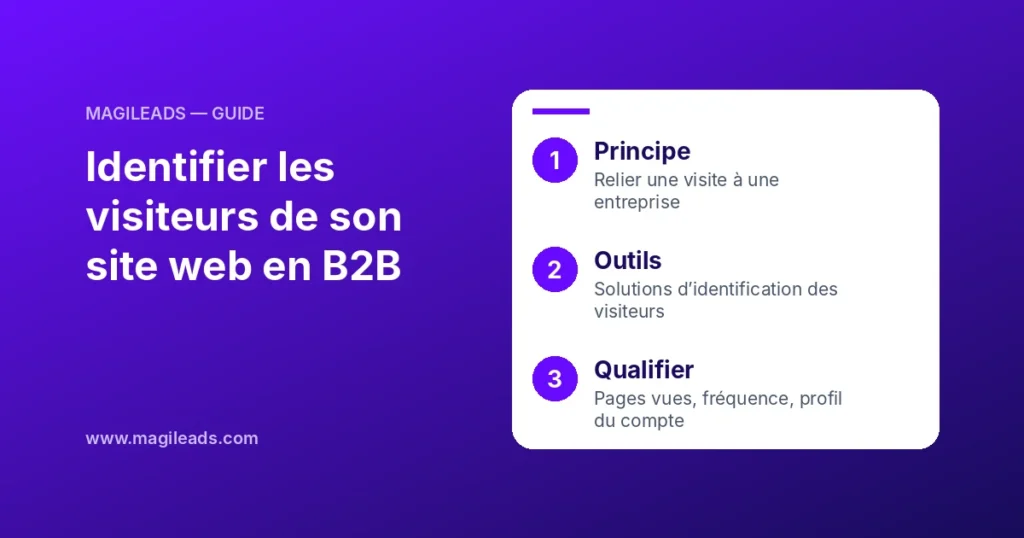
- Principle : to link a visit to a company.
- Tools : Visitor identification solutions.
- Qualify : page views, frequency, account profile.
- Action : find the right contacts, then contact them.
- Compliance : trackers, information, GDPR.
Why identify visitors to your website?
A B2B website attracts visitors at all stages: simple curiosity, information search, and comparison of solutions. Forms only capture a small portion of these visits. Knowing which companies come to your site, and which pages they view, gives you a list of accounts already interested in your topic.
This is one of the most reliable forms of intent data because it directly relates to your offering. A company that repeatedly visits your pricing page or comparison sites sends a stronger signal than an account identified through third-party data. See our intentdata.
How does visitor identification work?
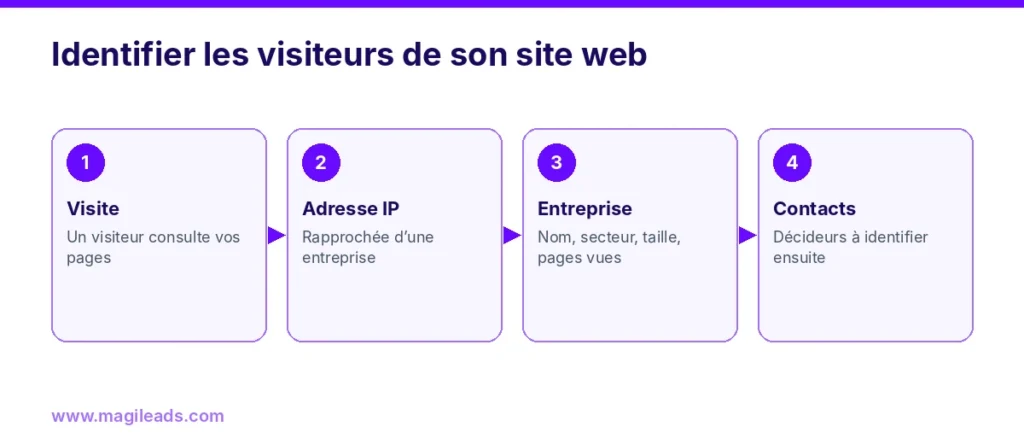
Most solutions identify the company, not the individual. When a visitor browses from their company's network, their IP address can be matched against a database that associates address ranges with organizations. The tool then displays the company name, its sector, its size, and the pages viewed.
This method has inherent limitations: visits from a home network, mobile network, or VPN are difficult to link to a company, and large organizations may use shared IP addresses. Therefore, identification provides a partial view, but often sufficient to identify the most active accounts.
Tools for identifying visitors to your website
Several publishers offer this feature, either on its own or as part of a larger platform. The descriptions below are taken from their official websites, accessed on November 26, 2026.
| Tool | Positioning (official website) |
|---|---|
| Leadfeeder | Identifying the companies that visit your site, what brought them there, and activating the most relevant accounts |
| Albacross | Identifying companies that visit your site, scoring by relevance and intent, and synchronizing with your CRM |
| Lusha | "Website visitors" function to see the companies that visit your site, within a B2B data platform |
| Pharow | Targeting based on visits to your website is one of the criteria used by its B2B lead generation platform |
Compare the identification quality on your own traffic during a trial period: the proportion of identified businesses varies depending on your audience, country, and sector.
Qualify the visits
Not all visits are created equal. To transform the list of identified companies into business priorities, combine three criteria.
- Account suitability : does it match your ideal customer profile (sector, size, area)?
- The pages viewed – prices, comparisons and product pages – indicate a stronger interest than a blog article.
- Frequency and recency : several visits in a short period of time are worth more than a single visit three months ago.
| Observed visit | Level of interest | Recommended action |
|---|---|---|
| Prices and comparisons page, several times | Strong | Rapid contact with the relevant decision-makers |
| Product pages and use cases | AVERAGE | Prospecting sequence with a suitable resource |
| A blog post, once | Weak | Adding to a nurturing campaign |
| Visit from an existing client | Variable | Transmission to the team in charge of the account |
From the visit to the meeting
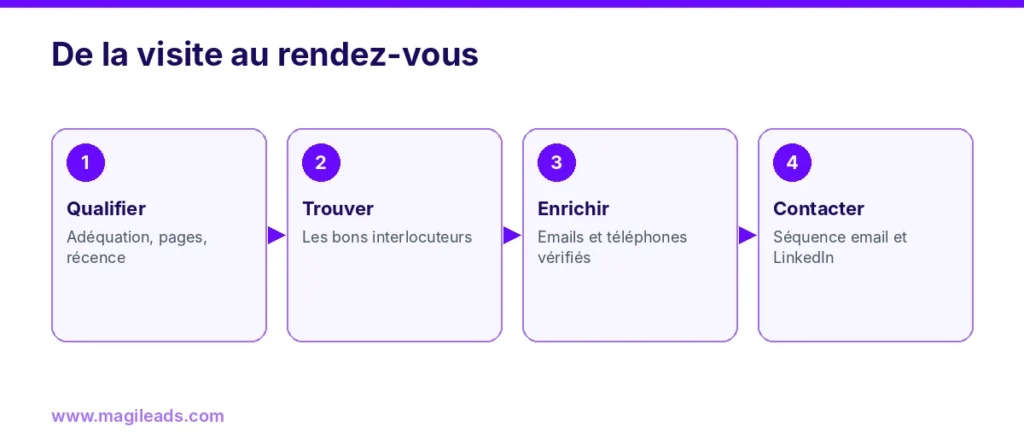
Identifying a company isn't enough; you then need to find the relevant people. Research the roles within the company that match your offer, enrich their contact information, and verify their email addresses. Then, launch a short, focused campaign highlighting the relevance suggested by the pages they've visited, without mentioning the visit itself: a message that begins with "I saw you were on our site" is often perceived as intrusive.
In Magileads , you can find decision-makers at these companies in the B2B database or import your account list, enrich your contacts, then launch an email and LinkedIn campaign and track the responses of each lead. For contact information, also see our Kaspr vs. Lusha comparison .
Identifying website visitors and GDPR
Even a work IP address can constitute personal data. Most identification tools place a script or tracker on your website. According to the CNIL (French Data Protection Authority), only trackers strictly limited to audience measurement and producing anonymous statistics can be exempt from consent; commercial use of visitor data falls outside this framework. In practice, check with your provider and your data protection officer:
- if the tracker requires consent via your cookie banner;
- the information given to visitors in your privacy policy;
- the origin of the data used to link an address to a company;
- the retention period and the recipients of the data.
See also our article on sales prospecting and the CNIL.
Mistakes to avoid
The first mistake is contacting all the identified companies without qualifying them: you spread your efforts thin and risk contacting students, competitors, or suppliers. The second is mentioning the visit in the message, which creates mistrust. The third is letting the data sit idle: the value of a visit diminishes quickly, and the most active accounts need to be addressed within a few days.
Finally, don't replace your other sources with this method alone. Identifying your website visitors complements both outbound and inbound prospecting; it doesn't replace effective targeting or content that attracts the right accounts. To structure your entire approach, consult our outbound prospecting.
Prepare your website before identifying visitors
Before identifying your website visitors, ensure the site itself generates actionable signals. Clearly separate pages for your offers, pricing, comparisons, and use cases help interpret visits: a company viewing the pricing page is not at the same stage as one reading a blog post. If all your information is crammed onto a single page, the visitor data will be far less meaningful.
Also, check your cookie banner and privacy policy before installing any tool. Identifying website visitors without having updated these elements exposes you to legal risks and can damage your visitors' trust. Finally, plan who on your team will access the data and how often: an identification tool that isn't consulted is useless.
Organize the processing of identified visits
The main challenge isn't technical but organizational. Define who receives alerts, the timeframe for prioritizing accounts, and how they are added to your campaigns. A simple rule works well: accounts that match your target audience and have viewed high-intent pages are addressed within a week; the others are added to a nurturing campaign.
If possible, synchronize the identification tool with your CRM to avoid contacting an account already managed by a salesperson or existing client. Identifying website visitors then becomes a regular flow of accounts to process, integrated into the team's daily work, rather than a dashboard consulted only occasionally.
To identify website visitors effectively and sustainably, document these rules in a short guide shared with the team: priority criteria, processing times, message templates, and the routing process to the sales team. Review this guide quarterly, based on the results obtained.
Measuring return on investment
To determine if visitor identification is worth the investment, track a few key indicators: the number of companies identified each month, the proportion that matches your target audience, the number of accounts contacted, the response rate, and the number of appointments secured. Compare these results to those of your usual prospecting efforts over a two- to three-month period.
If the results are good, identifying your website visitors can become a regular source of appointments. If they are disappointing, first check the qualification and speed of processing before questioning the tool itself: an interested account contacted three weeks after their visit is much less likely to respond than one contacted within a few days. Identifying your website visitors is only valuable if the team acts quickly.
Identifying your website visitors: where to start?
Start by testing a website identification tool for a few weeks on your actual traffic. Observe the percentage of businesses identified, the proportion that matches your target audience, and the quality of the information gathered. Manually process the most relevant accounts, measure the responses received, and then decide whether or not to scale up the process. Identifying your website visitors then becomes a measurable lever, not just another gadget in your toolkit. Your website visitors are often your closest prospects to making a purchase: identifying them means giving them the priority they deserve.
Frequently Asked Questions
- Can you identify visitors to your website? You can usually identify the company of some B2B visitors from their IP address, but rarely the individual themselves.
- What tools can be used to identify visitors to a B2B site? Solutions like Leadfeeder or Albacross, or functions integrated into data platforms like Lusha or Pharow.
- Is this GDPR compliant? It depends on the tool and its use. Commercial use generally requires clear information and, in some cases, consent via a cookie banner. Check with your provider and your Data Protection Officer (DPO).
- Should you tell the prospect that they visited your site? No: it's better to address the issue suggested by the pages viewed, without mentioning the visit.
Contact the companies that are interested in you
Find decision-makers, enrich their contact details and launch an email + LinkedIn campaign: try Magileads free for 14 days.