Kaspr vs. Lusha : These two tools allow you to find the email addresses and phone numbers of your prospects, particularly from LinkedIn. However, they start from different points of view. Kaspr emphasizes its European contact data and the simplicity of its extension; Lusha presents itself as a B2B data and intelligence platform for sales teams. This comparison will help you choose.
Kaspr vs Lusha: the essentials
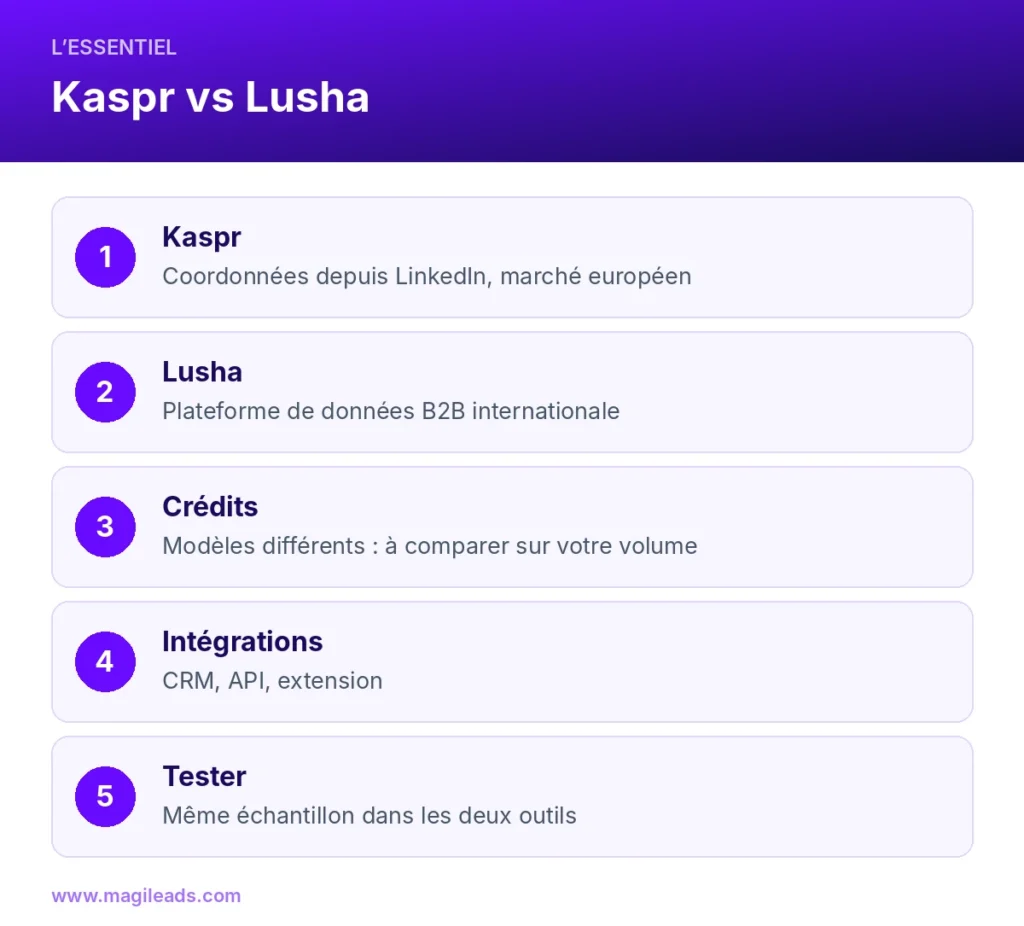
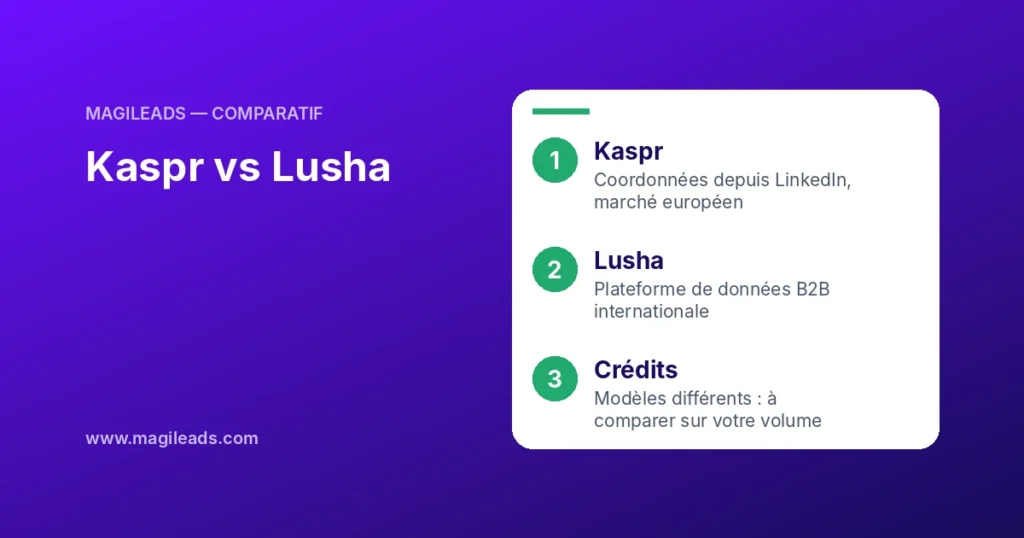
- Kaspr : contact details from LinkedIn, European market.
- Lusha : an international B2B data platform.
- Credits : different models: compare them based on your volume.
- Integrations : cRM, API, extension.
- Testing : same sample in both tools.
The information is taken from the official Kaspr and Lusha websites (homepages and pricing pages), accessed on November 26, 2026. Prices are not listed here: they change frequently and depend on the currency and the commitment period. Always check the official websites before making a decision.
Kaspr vs Lusha: an overview of the two tools
Kaspr
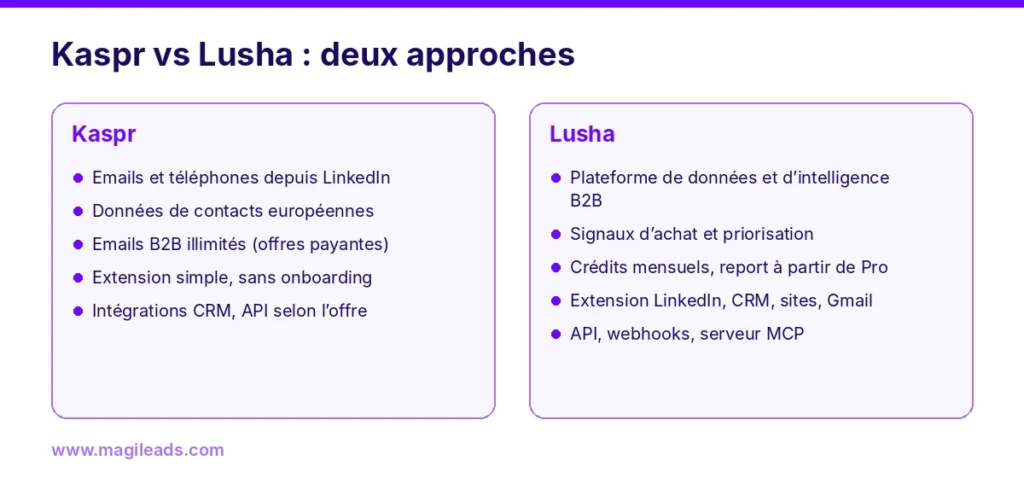
Kaspr presents itself as a tool for easily finding email addresses and phone numbers, with direct access to European contact data. The company claims over 500 million verified phone numbers and email addresses from more than 150 sources, and GDPR compliance. The tool is based on a Chrome extension that displays contact information from LinkedIn profiles, groups, and events, complemented by a contact management dashboard, CSV file enrichment from LinkedIn URLs, and CRM integrations (HubSpot, Salesforce, etc.).
Its pricing page lists four plans (Free, Starter, Business, Enterprise). Paid plans include unlimited B2B emails; phone and direct email credits are limited per plan. Higher plans add Kaspr on Sales Navigator, team-shared credits, API access (under certain conditions), and higher export limits.
Lusha
Lusha positions itself as a B2B data and intelligence platform for sales and marketing teams. The company boasts over 515 million verified contacts. Beyond its extensions (LinkedIn, CRM, any website, Gmail, and Google Calendar), Lusha offers a workspace for searching and enriching contacts and companies, buying signals, account prioritization, AI-powered recommendations, identification of companies visiting your site, an API, and an MCP server.
Its pricing page presents five plans (Free, Starter, Pro, Premium, Scale) based on a number of monthly credits. Unused credits can be rolled over starting with the Pro plan, up to a limit of twice the monthly allowance. Lusha displays compliance with GDPR, CCPA, SOC 2, and ISO 27701.
Kaspr vs Lusha comparison chart
| Criteria | Kaspr | Lusha |
|---|---|---|
| Positioning | Emails and phone numbers, European contact data | B2B Data and Intelligence Platform |
| Claimed volume | 500 million+ phone numbers and email addresses | 515 million+ verified contacts |
| Extension | Chrome: LinkedIn (profiles, groups, events), Sales Navigator (depending on the plan) | LinkedIn, CRM, any website, Gmail and Google Calendar |
| Mass enrichment | CSV file with LinkedIn URL, automated workflows | Mass disclosure, CRM enrichment, API |
| Signals and prioritization | Intent data in the Enterprise offer | Buy signals, prioritization, AI recommendations, website visitors |
| Credit model | Unlimited B2B emails (paid offers), phone credits and direct emails | Monthly credits per offer, deferral possible starting from Pro |
| API | Access subject to conditions depending on the offer | Limited on Free and Starter plans, included from Pro onwards |
| Displayed conformity | GDPR | GDPR, CCPA, SOC 2, ISO 27701 |
| Free offer | Yes | Yes |
The differences that matter
The credit model
This is often the deciding factor. At Kaspr, paid plans include unlimited B2B emails, and phone numbers are what use up credits. At Lusha, monthly credits cover contact revelations, with some carryover from the Pro plan. If you primarily need emails, Kaspr's model might be advantageous; if you need signals and prioritization, Lusha's offering is more comprehensive. Calculate based on your actual volume.
Your market coverage
Kaspr emphasizes European data; Lusha international coverage. Neither figure tells you how well each tool covers your specific target audience. Only testing on your sample will answer that question in the Kaspr vs. Lusha comparison.
Everyday use
Kaspr is designed for quick use directly from LinkedIn, with no onboarding required according to the company. Lusha offers more targeting and business intelligence features, which require slightly more setup but also benefit marketing and RevOps teams.
Kaspr vs Lusha: which one to choose?
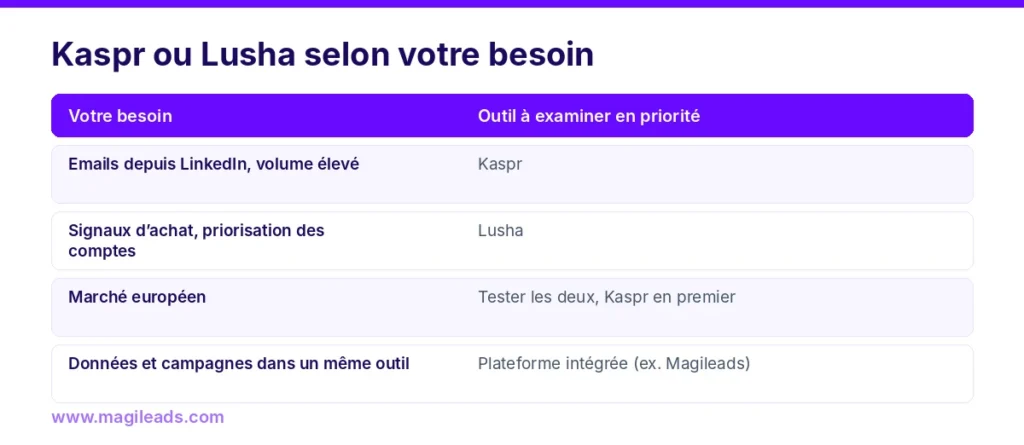
To decide between Kaspr and Lusha, start with your primary use case:
- You prospect mainly from LinkedIn and need emails : Kaspr is simple and its credit model favors emails.
- You want to prioritize your accounts with buy signals : Lusha offers these features in its plans.
- You are mainly prospecting in Europe : test the coverage of both, starting with Kaspr, which highlights this market.
- You need an open API : compare the access conditions in each offer.
- You also want to send your campaigns : neither Kaspr nor Lusha can replace a complete multichannel sending tool.
How to compare Kaspr vs Lusha during the trial
- Prepare a list of 50 to 100 LinkedIn profiles representative of your target audience.
- Reveal the coordinates in each tool with their free offer.
- Compare the number of emails and phone numbers found, and the proportion of direct lines.
- Check the emails and send a small campaign to measure the actual bounce rate.
- Calculate the cost per usable contact based on your monthly volume.
To broaden the comparison to other providers, read our guide to choosing a B2B data provider and our method for finding a prospect's email address.
An alternative: enrichment integrated into prospecting
Kaspr and Lusha provide the data; it then needs to be exported to a sending tool. Magileads integrates a B2B database,cascading enrichment and verification of emails and mobile phones, then sends email and LinkedIn campaigns and tracks responses. This eliminates the need for exports and duplicates between tools, and your exclusions apply everywhere.
The similarities between Kaspr and Lusha
The Kaspr vs. Lusha comparison pits two tools against each other that are more similar than they initially appear. Understanding their commonalities allows you to better isolate the criteria that will truly make a difference for your team.
Before delving into the differences, it's helpful to recap what the two tools have in common. Both Kaspr and Lusha reveal the professional contact information of your prospects from LinkedIn using a browser extension. Both allow you to enrich lists in bulk, export contacts to a CRM, and offer a free plan to test data quality before committing.
Both publishers demonstrate GDPR compliance. This does not exempt you from your own obligations: informing contacted individuals of the origin of their data, limiting marketing communications to messages related to their role, and immediately complying with any objection request.
Kaspr vs Lusha for a commercial team
For a solo salesperson, the choice between Kaspr and Lusha comes down primarily to data quality and price. For a team, other criteria come into play.
For a sales team with multiple agents, managing credits and users becomes crucial. Kaspr states that, in its paid plans, credits can be shared among all account users, and that the Business plan allows setting limits per team member. Lusha offers team management by groups starting with the Pro plan, and credit allocation per member starting with the Premium plan.
In both cases, define clear usage rules: who can reveal phone numbers, for which target audiences, and how contacts are synchronized with the CRM. Without these rules, credits are quickly depleted and duplicates multiply.
Kaspr vs Lusha and data quality
The volumes announced by the publishers are similar and don't allow for a clear distinction between the two tools. Quality depends primarily on your target audience: sector, company size, country, and the roles sought. A tool might be excellent for tech startups but less effective for industrial SMEs, or vice versa.
That's why testing on your own sample remains essential. Measure not only the number of contact details found, but also their accuracy: a bounced email or a number that no longer belongs to the right person costs you time and can damage your sender reputation. In the Kaspr vs. Lusha comparison, the winner is the one that finds the most accurate contacts for your prospects, not the one with the highest number.
Our review of Kaspr vs Lusha
There's no clear winner in the Kaspr vs. Lusha comparison. Kaspr is well-suited for salespeople prospecting on LinkedIn who primarily need email addresses, thanks to its credit-based model and immediate ease of use. Lusha is better suited to teams that want not only contact information but also buying signals, account prioritization, and integration with their AI tools. In both cases, test with your target audience before choosing, and keep in mind that you'll need a sending tool to leverage this data. If you're still undecided between Kaspr and Lusha, start with the free plans: they're sufficient to gauge your target audience's reach. The best choice between Kaspr and Lusha is the one that provides the most relevant leads for your budget.
Frequently Asked Questions
- Kaspr vs. Lusha: Which is more comprehensive? Lusha offers more business intelligence features (signals, prioritization, website visitors). Kaspr focuses on quickly revealing emails and phone numbers from LinkedIn.
- Are Kaspr and Lusha GDPR compliant? Both publishers display GDPR compliance on their websites. Check the data source and opt-out procedures before contacting them.
- Is there a free version of Kaspr and Lusha? Yes, both offer a free plan with a limited number of credits.
- Can Kaspr or Lusha be used with Sales Navigator? Kaspr states that it works with Sales Navigator starting with its Starter plan. The Lusha extension works on LinkedIn; check the Sales Navigator requirements.
Find and contact your prospects all in one tool
B2B database, enrichment, verification and email campaigns + LinkedIn: try Magileads free for 14 days.