Choosing a B2B data provider impacts your entire prospecting effort: if the contacts are incomplete, outdated, or poorly targeted, even the best sequence won't generate any appointments. This guide provides you with the criteria for comparing providers, an overview of the main solutions on the market, and a simple testing method to implement before signing.
B2B Data Provider: The Essentials
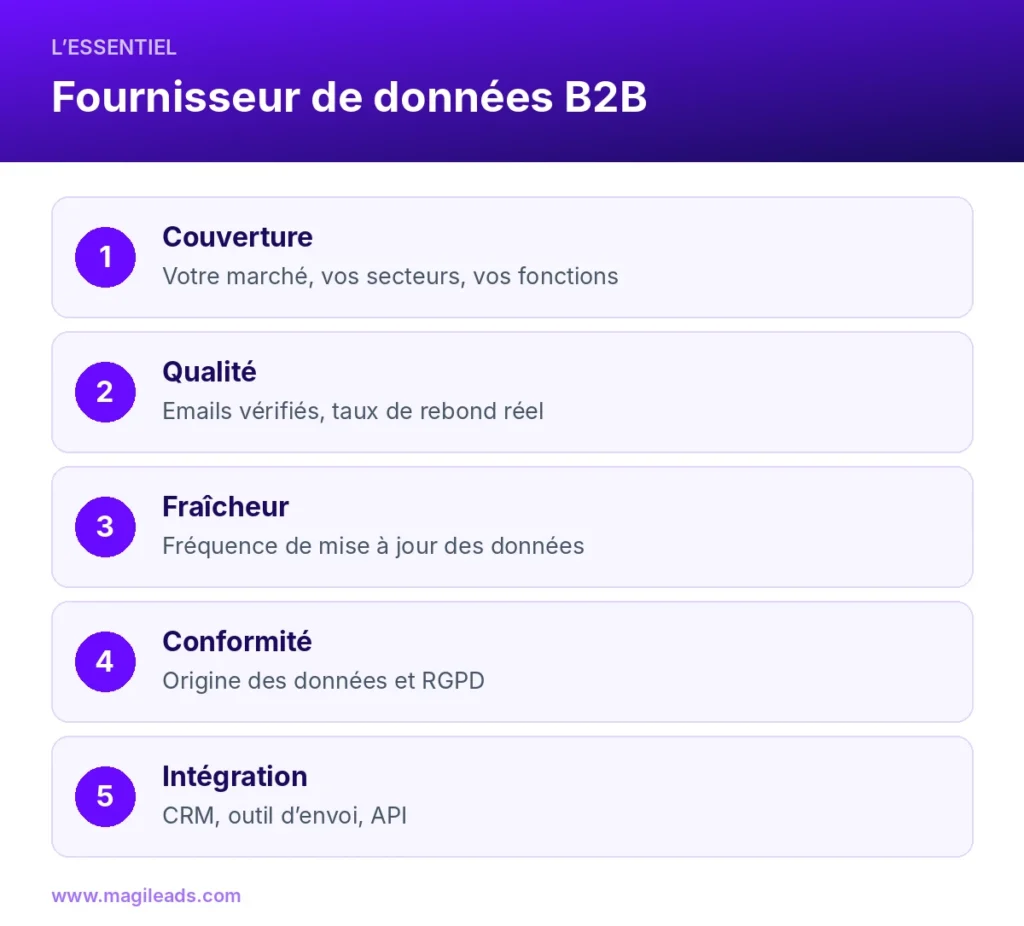
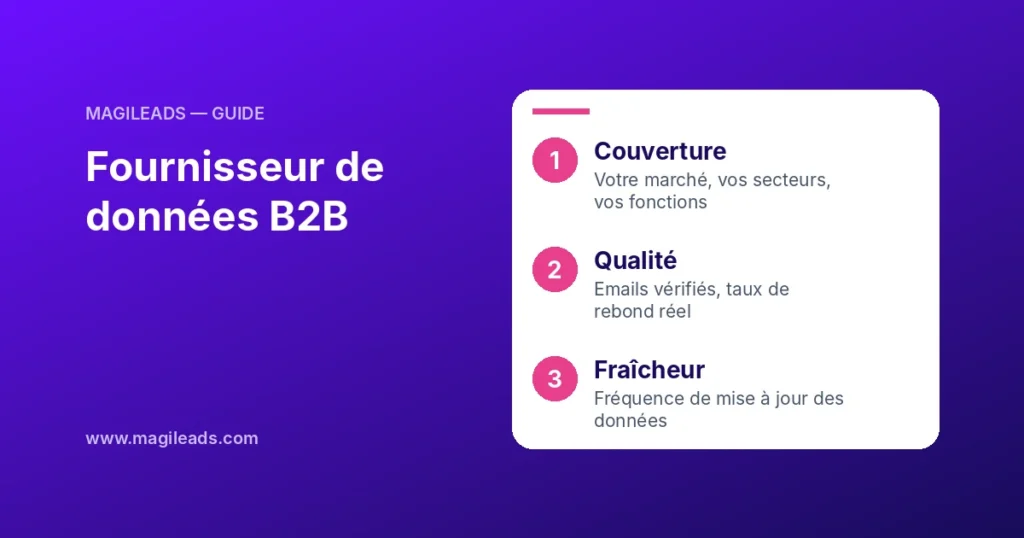
- Coverage : your market, your sectors, your functions.
- Quality : verified emails, real bounce rate.
- Freshness : frequency of data updates.
- Compliance : origin of data and GDPR.
- Integration : cRM, sending tool, API.
What a B2B data provider does
A B2B data provider offers information on companies (company name, sector, number of employees, location, revenue, tools used) and on the people who work there (name, job title, work email, phone number). This data is used to build prospect lists, enrich a CRM, or qualify inbound leads.
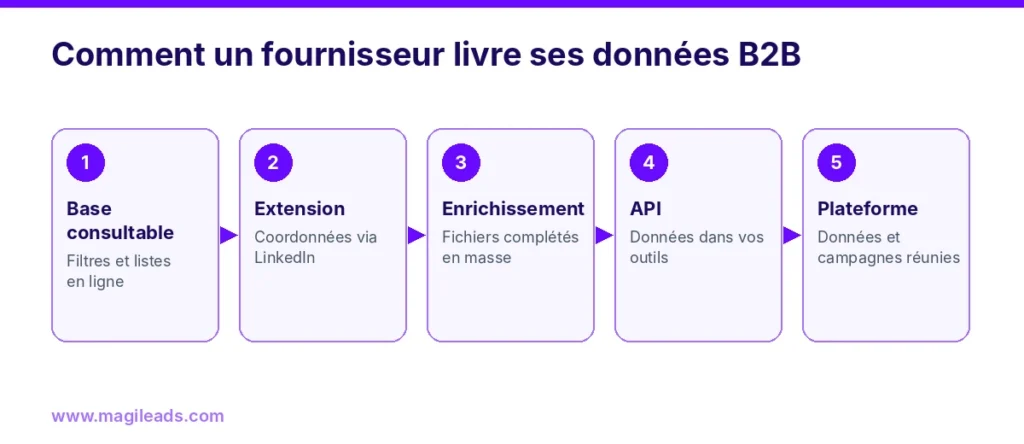
Providers are distinguished by how they deliver the data: a searchable online database with filters, a browser extension that reveals contact details from LinkedIn, bulk file enrichment, an API, or a platform that directly uses this data to launch campaigns.
Company data and contact details
Company data (firmographic data) comes partly from public sources such as legal registers. Contact data, and especially personal email addresses and phone numbers, is more difficult to obtain and keep up to date. It is on this second point that the differences between providers are most significant.
The 6 criteria for choosing a B2B data provider
1. Your market coverage
A supplier can claim hundreds of millions of contacts and still poorly cover French SMEs in your sector. The only metric that matters is your target audience coverage: how many companies matching your ideal customer profile do you find, and how many good contacts are there within each? First, define your ideal customer profile, then test it.
2. The quality of the coordinates
An unverified email generates bounces that damage the reputation of your sending addresses. Ask how each provider verifies emails and phone numbers, and measure the bounce rate yourself on a sample. Our article on email verification details the methods.
3. Data freshness
People change jobs, companies relocate or close down. A database that isn't updated quickly becomes outdated. Ask each B2B data provider about their update frequency and how they flag outdated data.
4. GDPR compliance
In France, B2B email marketing is permitted without prior consent if the message is relevant to the recipient's role, they are informed of the origin of their data, and they can easily opt out. Your supplier must be able to explain the origin of their data and the legal basis for its processing. See our article on commercial prospecting and the CNIL (French Data Protection Authority).
5. Integrations
Useful data is data that arrives in the right place: your CRM, your email marketing tool, your spreadsheet. Check the native connectors (HubSpot, Pipedrive, Salesforce), the CSV export, the API, and the handling of duplicates during synchronization.
6. The billing model
Monthly credits, credits per data type (email, phone), number of users, export limits: the models vary considerably. Check if unused credits are carried over and calculate the actual usable cost per contact, not just the displayed cost per contact.
Overview of B2B data providers
The information below comes from the official websites of each provider, accessed on November 26, 2026. Offers change: always check the official pages before committing.
| Supplier | Positioning (official website) | Main mode | For whom |
|---|---|---|---|
| Magileads | Integrated B2B database within a multi-channel prospecting platform | Searchable database, import, enrichment, campaigns | Teams that want data and sending in the same tool |
| Pharow | B2B lead generation platform in France; filters by sector, NAF code, workforce | Searchable database, export to CRM | Teams focused on the French market |
| Kaspr | Emails and phone numbers from LinkedIn; over 500 million claimed contact details | Chrome extension, CSV enrichment | Salespeople active on LinkedIn |
| Lusha | B2B data and intelligence; over 515 million verified contacts claimed | Extension, platform, API, MCP | International teams |
| Cognism | Premium sales intelligence, European data, focus on compliance | Platform, CRM enhancement, API | Structured teams in Europe |
| Apollo | More than 240 million claimed contacts, with sequences | Platform with shipping | Large volumes, international market |
The contact volumes are those advertised by the publishers themselves: they say nothing about your target audience's reach. To learn more about two of them, read our Kaspr vs. Lusha and our alternatives to Apollo.
Testing a B2B data provider in 5 steps
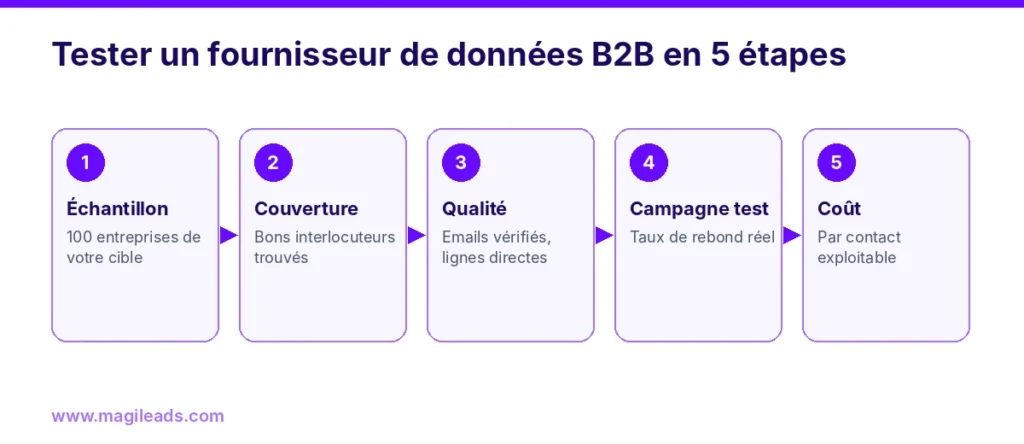
- Prepare a sample of 100 representative companies from your target market, with the functions you are targeting.
- Measure the coverage : for how many companies does the supplier find the right contact person?
- Measure quality : How many emails are checked? How many phone numbers are direct lines or mobile phones?
- Send out a small campaign and monitor the actual bounce rate, which remains the best judge.
- Calculate the cost per usable contact : total price divided by the number of valid and reachable contacts.
Perform the same test, with the same sample, for each B2B data provider you are considering. The discrepancies are often greater than the displayed figures suggest.
Integrated database or separate tool?
You can purchase your B2B data from a specialized provider and import it into your prospecting tool, or choose a platform that integrates the data. The first option offers more choices; the second avoids exports, duplicates, and exclusion errors between two tools.
Magileads integrates a B2B contact database, imports your files, performscascading enrichment and verification of emails and phone numbers, and then sends email and LinkedIn campaigns. When creating a list, the platform offers several sources: an AI assistant that builds the list from your target's description, LinkedIn (including Sales Navigator), Google Maps, a CSV or Excel file, Zapier, and Make.
Maintaining your data after purchase
Even with an excellent B2B data provider, a database degrades over time. Plan ahead:
- checking emails before each major campaign;
- a regular update of your priority account details;
- removing contacts who have objected to prospecting, in all your tools;
- a check for duplicates at each import into the CRM.
Our article on updating a B2B database details these best practices.
Mistakes to avoid
- Choose based on the advertised volume of contacts rather than on the coverage of your target audience.
- Buying a file without knowing the origin of the data.
- Importing data without verifying emails.
- Forgetting to transfer the differences from one tool to another.
- Compare prices without calculating the cost per usable contact.
Questions to ask a B2B data provider
Before signing, ask the same questions to each B2B data provider and note their answers. Where does your contact data come from? How do you verify emails and phone numbers? How often are records updated? What happens when someone asks to be uncontacted? How does the data get into our CRM, and how do you avoid duplicates?
A reputable provider will answer each of these questions precisely and agree to a test on your own sample. Be wary of vague answers, impressive volumes without explanation, and offers that refuse any trial. The quality of B2B data is judged on your prospects, not on a demonstration chosen by the vendor.
Also consider after-sales service: a B2B data provider that offers onboarding support, responsive support and clear documentation will save you a lot of time during the first imports and campaigns.
Finally, reassess your B2B data provider annually: your target audience evolves, and so do the databases. A quick test on a new sample is enough to verify that the quality remains at the expected level, and to renegotiate if necessary.
Frequently Asked Questions
- What is a B2B data provider? A company that provides information about companies and their employees (job title, email, phone number) for prospecting, CRM enrichment, or lead qualification.
- How can you tell if a B2B data provider is reliable? Test them on a sample of your target audience: coverage, percentage of verified emails, actual bounce rate after sending. Also ask about the data source and update frequency.
- Can you prospect with purchased B2B data? Yes, in B2B, if the message is related to the recipient's function, if they are informed of the origin of their data and if they can easily object to the prospecting.
- What's the difference between a data provider and prospecting software? The provider delivers the data; the prospecting software uses it to send campaigns. Some platforms, like Magileads, do both.
To choose the right time to contact, complete your data withintent data.
Test the Magileads database on your target
Build a list, enrich it and launch an email and LinkedIn campaign from the same platform, for 14 days.