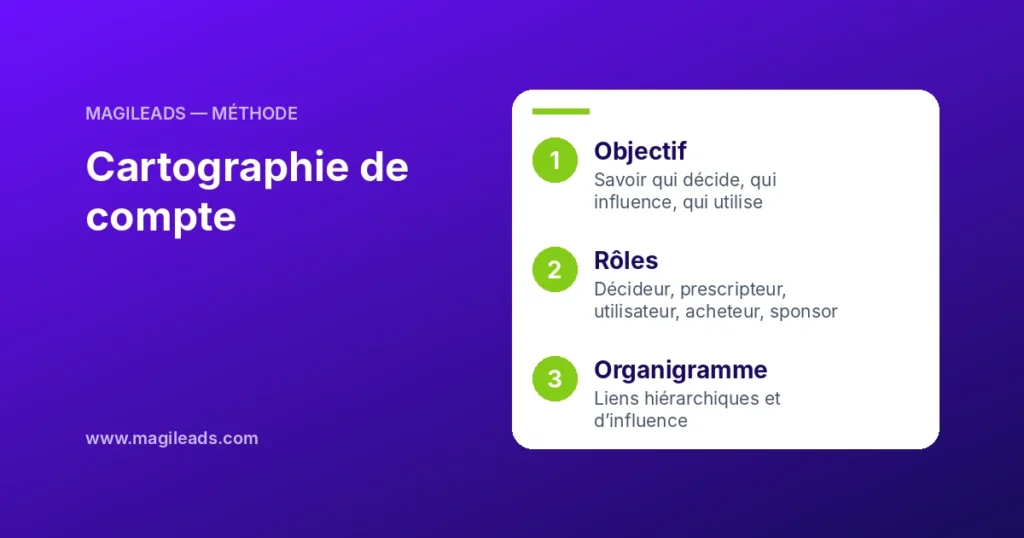
Account mapping involves representing, for a target company, the people involved in a purchasing decision: who decides, who influences, who will use the solution, who signs the purchase order, and who can block the project. In B2B, a sale rarely involves only one contact. Mapping an account allows you to know who to contact, in what order, and with what message, instead of randomly writing to the first person you find. Here's a step-by-step method, the roles to identify, the sources to use, and how to leverage this map in account-based marketing and multichannel prospecting.
Account mapping: the essentials
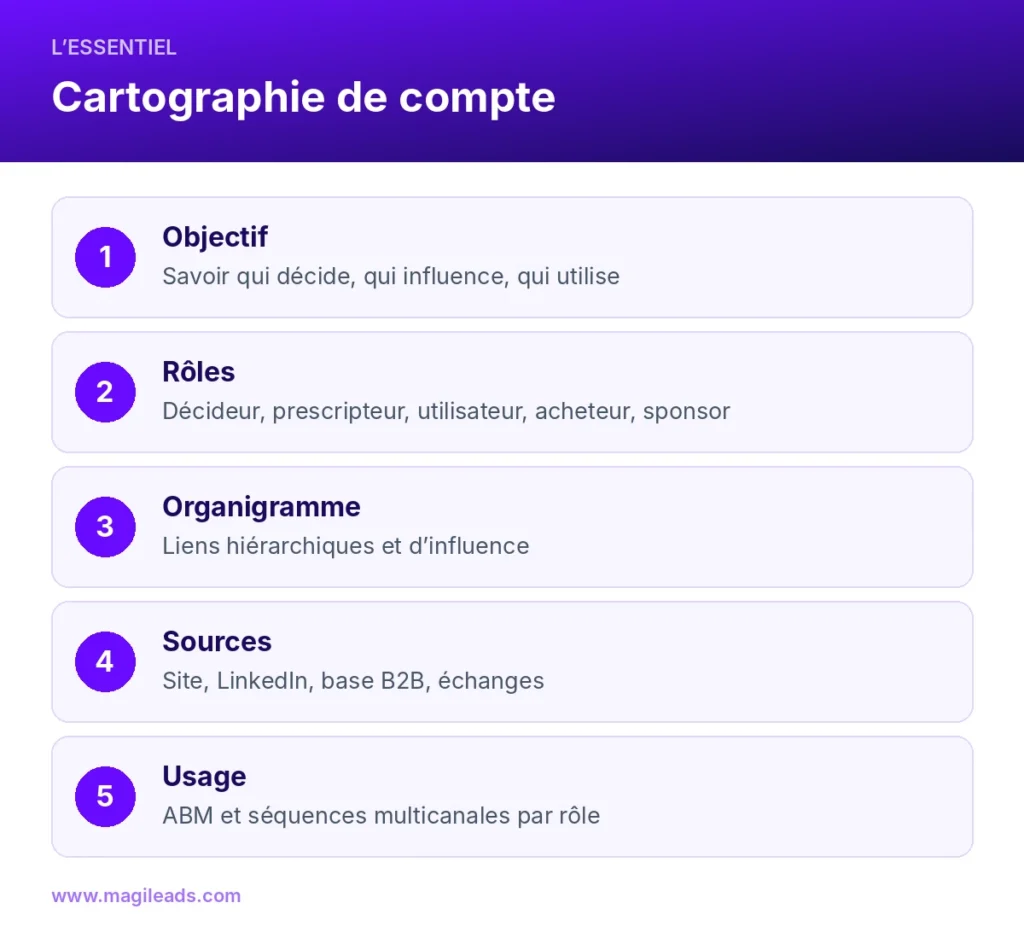
- Objective : to know who decides, who influences, who uses.
- Roles : decision-maker, prescriber, user, buyer, sponsor.
- Organizational chart : hierarchical and influence links.
- Sources : website, LinkedIn, B2B database, exchanges.
- Usage : aBM and multichannel role-based sequences.
Account mapping: what are we talking about?
An account map, sometimes called an account map, is a dynamic document that describes the organization of a target account from your sales perspective. It's more than just an organizational chart: it adds each person's role in the decision-making process, their level of interest in your topic, their priorities, and the history of your interactions. It complements the work on the decision-making unit (DMU), which we detail in our article on strategies for engaging DMUs . Here, the focus is on the practical method for building and maintaining the map.
It serves three purposes. First, to avoid blind spots: a project might be supported by an enthusiastic user but rejected by a finance department that no one has met. Second, to multiply points of entry: if one contact doesn't respond, you know others. Finally, to tailor the message: a finance director, a technical manager, and a user don't expect the same arguments.
Roles to identify in an account
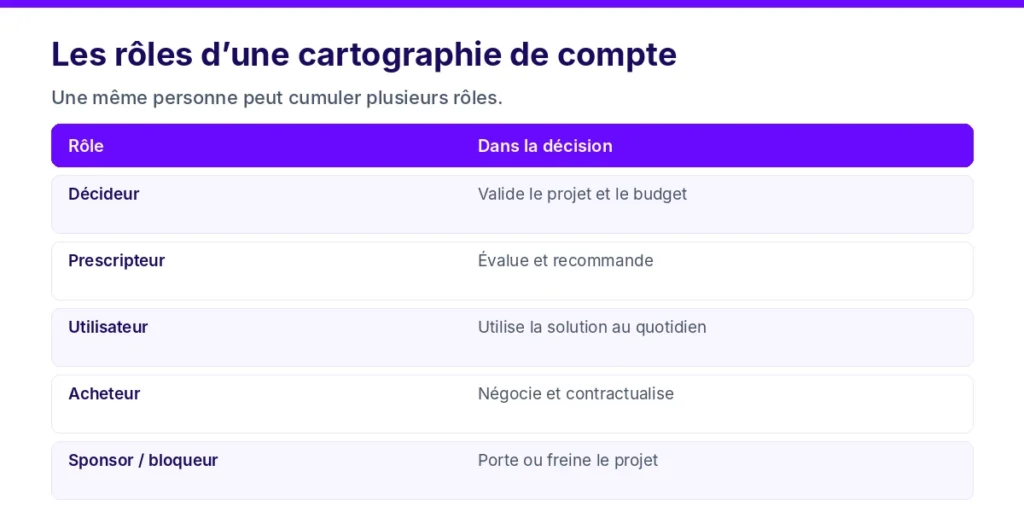
Job titles don't tell the whole story: the same title can correspond to different roles depending on the company. Therefore, think in terms of roles when making decisions, and then assign people to them.
| Role | What he does in the decision | What he expects from you |
|---|---|---|
| Decision-maker | Validate the project and the budget | Impact on objectives, risks controlled |
| Prescriber | Evaluates the solutions, makes recommendations | Evidence, comparison, feasibility |
| User | Will use the solution on a daily basis | Simplicity, time saving |
| Buyer | Negotiates, manages the contract | Clear conditions, compliance |
| Internal Sponsor | Internal project management | Arguments to relay, support |
| Potential blocker | May slow down or refuse | Responses to his objections |
A single person can hold multiple roles, especially in small businesses where the manager is simultaneously the decision-maker, the buyer, and sometimes the user. Conversely, in a large corporation, each role may be held by several people distributed between headquarters and subsidiaries.
The method for mapping an account
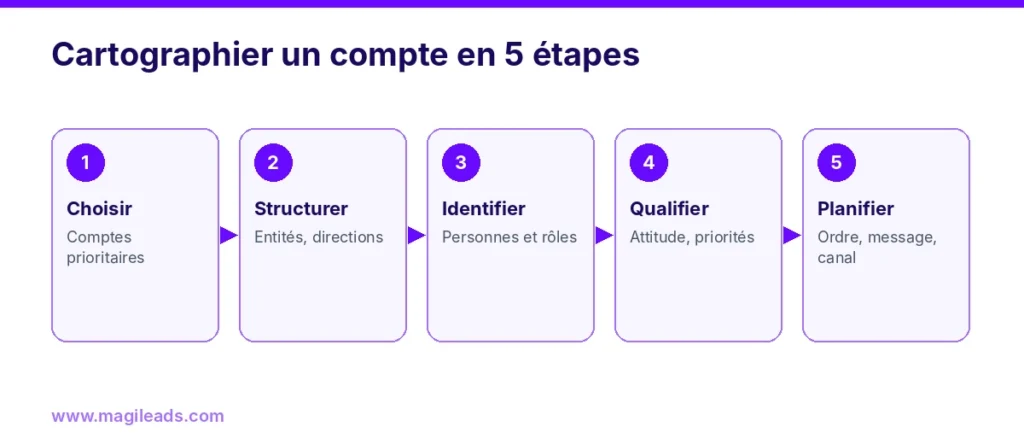
1. Choose the accounts to map
Account mapping takes time: reserve it for accounts that truly warrant it. Start with your ideal customer profile and select the companies that best match it, or those that show signs of interest. The buying signals described in our intentdata will help with prioritization.
2. Draw the company structure
Identify the entities (headquarters, subsidiaries, sites), the departments involved in your offer, and the teams that comprise them. A simplified organizational chart is sufficient: departments, managers, teams. The goal is not to be exhaustive, but to understand the scope and hierarchical relationships that are important for your sale.
3. Identify the people and their roles
For each relevant department, identify the people currently employed and assign them a hypothetical role: decision-maker, influencer, user, buyer. LinkedIn's Boolean search allows you to quickly find the appropriate job titles, including their English equivalents. Also note the relationships of influence: who works with whom, who reports to whom, and who recently joined the company.
4. Qualify each contact
For each person, record their level of awareness of your offering, their assumed attitude (favorable, neutral, reserved), their known priorities, and any previous interactions. Clearly distinguish between verified facts (stated by the individual, published by the company) and assumptions. A mapping that mixes facts and hypotheses without distinguishing between them leads to poor decisions.
5. Define an approach plan
The map is only useful if it leads to action. Decide who to start with, what message to use, and through which channel, then how to gradually expand to other stakeholders. Often, you start with a key influencer or end user to understand the issues before approaching the decision-maker with a pre-prepared message.
Sources for constructing the map
- The company website : team pages, press releases, annual reports, job offers that reveal ongoing projects.
- LinkedIn and Sales Navigator : job titles, seniority, job changes. See the benefits of Sales Navigator.
- A B2B database : functions, professional contact details and company information.
- Your own interactions : meetings, emails, calls. What your contacts tell you about their organization is often the most valuable information.
- Your CRM : history of opportunities, former clients or users who have used this account.
With Magileads, you can search for decision-makers by company in a dynamic, global B2B database of decision-makers, and then enrich the contacts to fill in any missing information. Our article on enrichingprospect data details this step.
Update account mapping
Account mapping becomes outdated quickly: people change roles, teams reorganize, and projects evolve. Schedule regular reviews of priority accounts, for example, before each new campaign and after each important meeting. Monitor job changes on LinkedIn, company announcements of appointments, and feedback from your contacts. Date each piece of information so you know what needs to be reviewed.
Using mapping in account-based marketing
In account-based marketing, account mapping is the starting point for every campaign: you're no longer addressing a list of contacts, but rather an account and its various roles. Each role receives a message tailored to its specific needs, and marketing and sales activities are coordinated within the same account. To implement this approach, consult our guide to account-based marketing strategy.
Account mapping and multichannel prospecting
Mapping allows you to build sequences based on roles: a message focused on ROI for the decision-maker, a more operational message for the user, and compliance elements for the buyer. In Magileads, multichannel campaigns combine email and LinkedIn steps, with SMS and voice steps available as paid options. The PRM centralizes responses, and lead scoring helps identify the most engaged contacts within a single account. Integrations with HubSpot, Pipedrive, Zapier, Make, or the API keep the mapping synchronized with your CRM.
An example of account mapping
Let's take a hypothetical example: an IT services company wants to sell planning software to a medium-sized industrial company. Account mapping begins with the company structure: a head office, two factories, an operations department, a finance department, an IT department, and a purchasing department. The operations department is the most involved, since the software will be used to plan production.
In each department, the sales team identifies the individuals to map: the operations manager as the likely decision-maker, the production managers of both plants as users, the IT manager as the technical expert, the software buyer, and the finance director, who will need to approve the investment. Each person receives a profile outlining their assumed role, known priorities, verified or unverified information, and the date of the last update.
The approach plan stems from this map: initial contact with a production manager to understand the planning challenges, followed by a message to the operations director reiterating these issues, and finally, contact with the IT manager to prepare the technical questions. This example illustrates the value of this approach: each stakeholder is contacted at the right time, with a message tailored to their needs.
Common mistakes in account mapping
The first mistake is confusing account mapping with a contact list. A list of twenty names without roles, priorities, or an approach plan isn't a map: it doesn't tell you where to start. The second mistake is stopping at the decision-maker. A decision-maker almost always relies on the opinions of influencers and users; ignoring them means letting your competitors convince them for you.
The third mistake is never updating the map. An account map created once and then forgotten quickly becomes outdated, and you risk contacting people who have left the company. Finally, avoid keeping the map in a personal file: sharing it within the CRM or PRM benefits the entire team, from marketing to the sales representative in charge of the account. A shared account map also helps newcomers take over an account without starting from scratch.
Frequently Asked Questions
- What's the difference between account mapping and an organizational chart? An organizational chart describes the company hierarchy. Account mapping adds each person's role in your sales process, their attitude, and the history of your interactions.
- How many contacts should be mapped per account? There's no fixed number: it depends on the size of the company and the complexity of the decision. The key is to cover every key role, from the decision-maker to the user.
- Should you map all your accounts? No. Mapping takes time: reserve it for priority accounts, chosen based on your KPI and interest signals.
- What tools should be used for account mapping? A CRM or PRM to centralize information, LinkedIn for job titles and changes, a B2B database and an enrichment tool for contact details.
Map and engage your target accounts
Researching decision-makers, enrichment, email and LinkedIn campaigns by role, PRM and lead scoring: try Magileads free for 14 days.