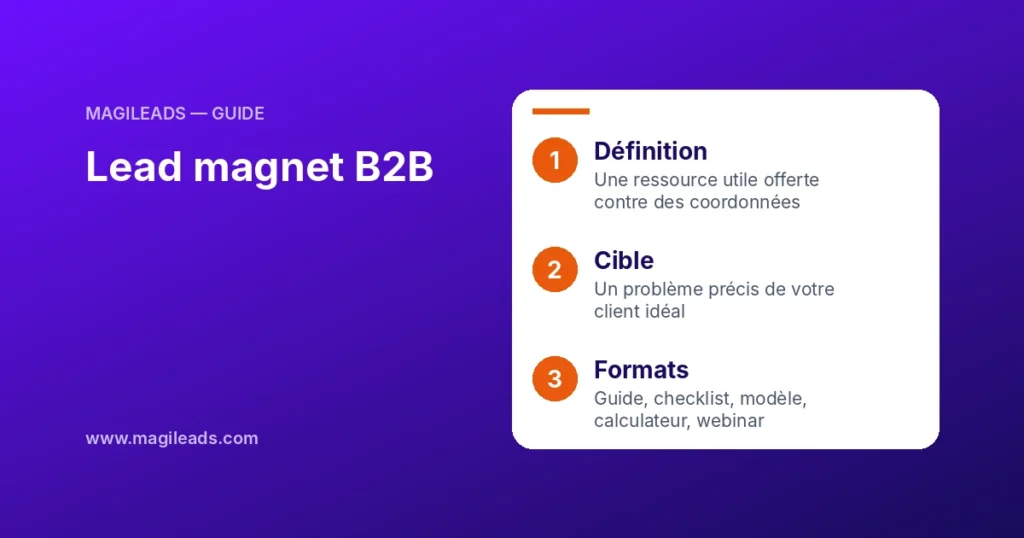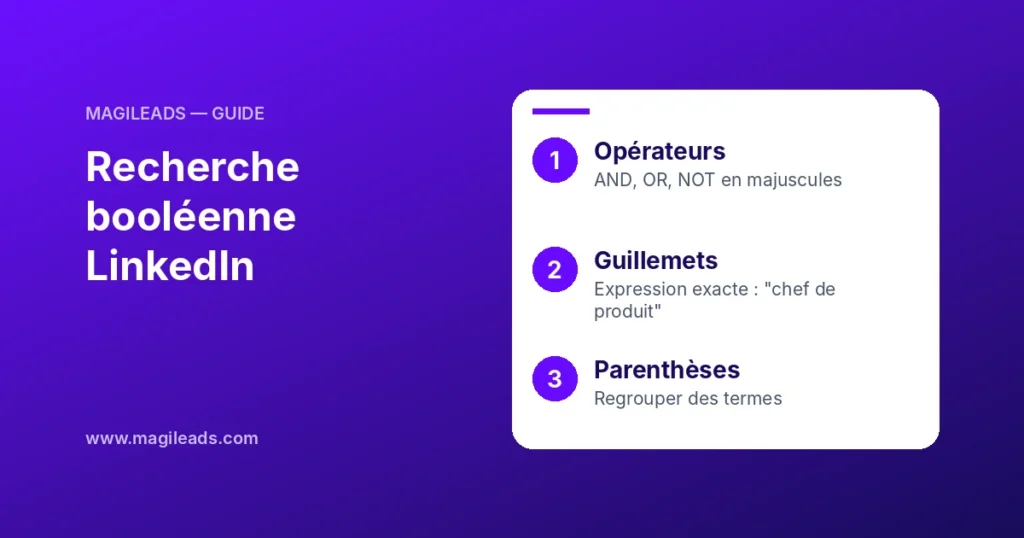
LinkedIn's Boolean search allows you to precisely find the profiles you want to contact by combining keywords with operators like AND, OR, and NOT. For a salesperson, it's one of the most effective ways to build a relevant prospect list, without any special subscription. This guide summarizes LinkedIn's official rules, as of November 26, 2026, and offers ten examples that you can adapt to your target audience.
LinkedIn Boolean search: the essentials
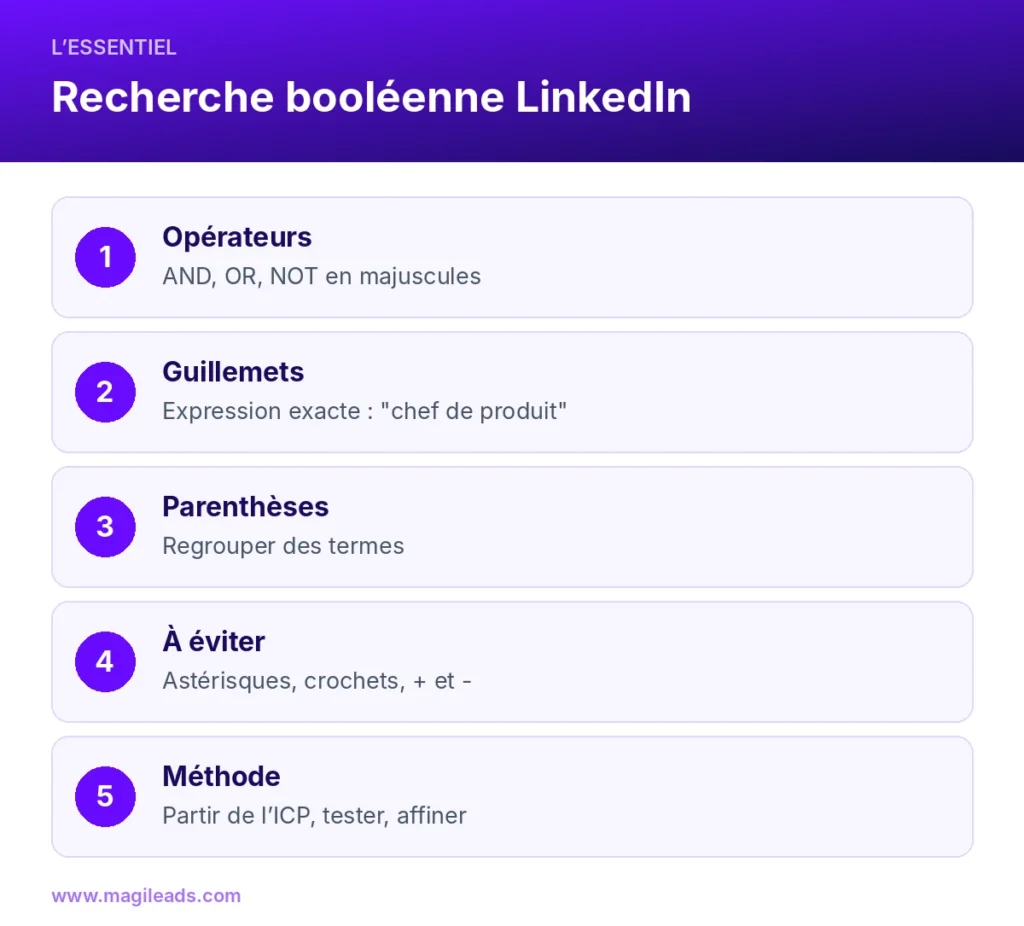
- Operators : AND, OR, NOT in uppercase.
- Quotation marks : exact expression: "product manager".
- Parentheses : to group terms together.
- Avoid : asterisks, brackets, + and -.
- Method : start with the ICP, test, refine.
What is Boolean search?
Boolean search involves combining keywords with logical operators to broaden or narrow results. On LinkedIn, you can enter your Boolean query directly into the main search bar at the top of the page and then filter the results by people, companies, or publications. The same logic applies in Sales Navigator and LinkedIn Recruiter.
The benefit for prospecting is obvious: instead of browsing hundreds of profiles, you precisely describe the function, sector and exclusions that interest you, and LinkedIn only shows you matching profiles.
LinkedIn Boolean search operators
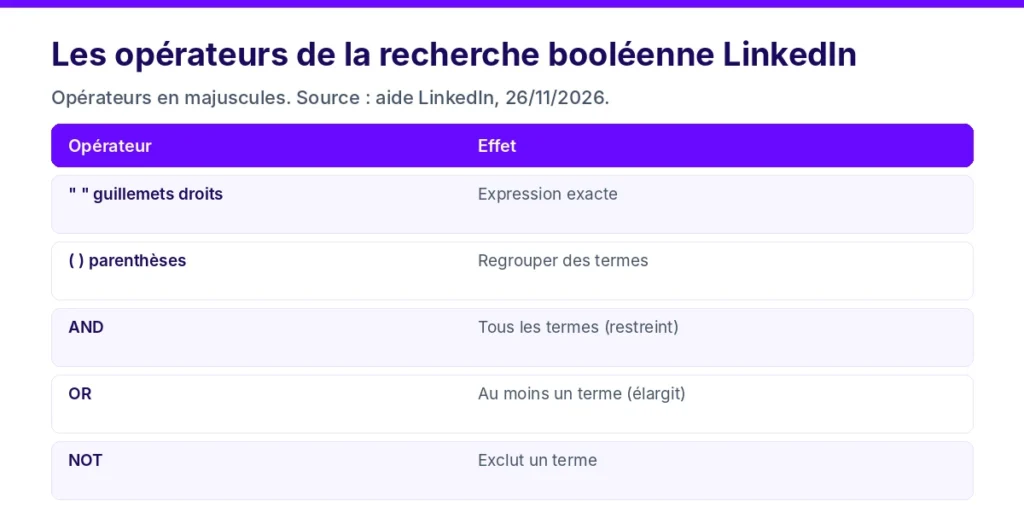
| Operator | Effect | Example (LinkedIn help) |
|---|---|---|
| "Straight quotation marks" | Search for the exact expression | "Product manager" |
| NOT | Excludes a term | programmer NOT manager |
| GOLD | Expands: at least one of the terms | Sales OR Marketing OR Advertising |
| AND | Restricted: all terms | Accountant, Finance, and CPA |
| Parentheses ( ) | Groups terms | NOT director (deputy OR CEO) |
According to the help page "Using Boolean Search on LinkedIn," the AND, NOT, and OR operators must be entered in uppercase to work. Parentheses are the only recognized grouping symbol; brackets, curly braces, and angle brackets are treated as regular characters. LinkedIn also does not accept wildcard characters like the asterisk. Finally, the + and – operators may appear to work, but they are not officially supported: use AND and NOT instead.
The order of priority
LinkedIn processes phrases enclosed in quotation marks first, then parentheses, and finally operators. In practice, always use parentheses whenever you mix OR with AND or NOT: this avoids any ambiguity about how LinkedIn interprets your query. Also note that stop words like "by," "in," or "with" are not taken into account.
10 examples of LinkedIn Boolean searches for prospecting
These queries should be entered in the search bar and then combined with LinkedIn filters (location, current company, industry). Adapt the titles to your target audience and the language of the profiles.
1. Sales Directors, excluding assistants
(commercial director OR head of sales OR sales director) NOT (assistant OR deputy)
Covers French and English titles, excluding second-tier positions.
2. B2B Marketing Managers
(“marketing manager” OR “marketing director” OR CMO) AND (B2B OR BtoB)
Targets profiles that explicitly mention B2B.
3. Founders of SaaS startups
(founder OR co-founder OR CEO) AND SaaS NOT (intern OR student)
Excludes student profiles that mention an entrepreneurial project.
4. Industrial buyers
(purchasing manager OR buyer OR purchasing director) AND (industry OR industrial)
Useful for offers intended for purchasing departments.
5. HR Managers of SMEs
(HR manager OR HRD OR "human resources manager") NOT (consultant OR freelance)
Excludes independent consultants who use the same titles.
6. Financial Directors
(CFO or "Chief Financial Officer") NOT (Deputy Chief Financial Officer or "Management Controller")
Targets financial decision-makers.
7. Sales profiles specializing in prospecting
(SDR OR "business developer" OR "business development manager") AND prospecting
To find business development teams, see our article on the SDR profession.
8. Agency Managers
(founder OR manager OR director) AND (agency) AND (marketing OR communication OR digital)
Useful for proposing an offer to agencies, for example a white label offer.
9. IT Managers
(CIO OR CTO OR "IT Director" OR "IT Manager") NOT (intern OR apprentice)
Targets technical decision-makers.
10. Decision-makers who have recently changed positions
("new position" OR "joined") AND ("sales director" OR "head of sales")
This approach can be combined with the more reliable "job change" filter in Sales Navigator.
Building your Boolean query in 5 steps
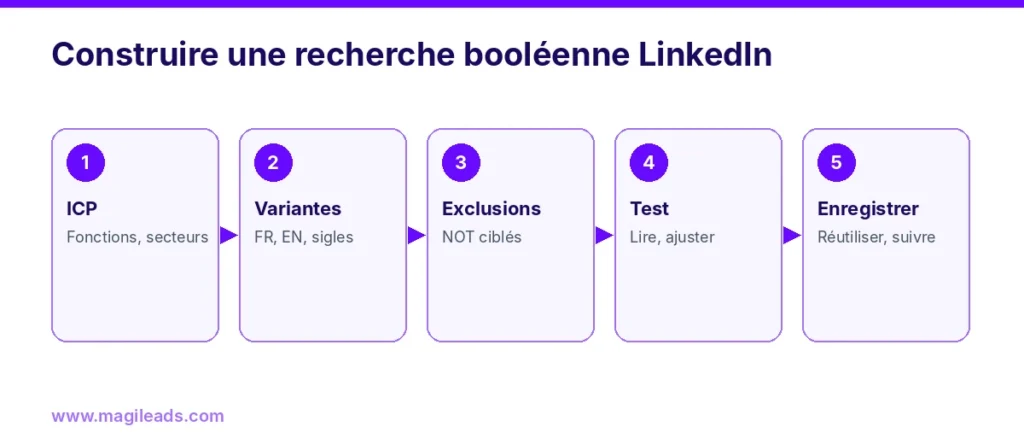
- Start with your ideal customer profile (ICP ): target functions, sectors, company size. See our guide to theideal customer profile.
- List the variant titles : French, English, abbreviations (DAF, CFO, financial director).
- Add exclusions with NOT: interns, assistants, consultants, competitors.
- Test and read the results : if you see profiles outside the target range, add an exclusion; if the results are too rare, broaden with OR.
- Save the query for reuse and to track new profiles.
Common mistakes
- Write the operators in lowercase: and, or and not are then treated as ordinary words.
- Use typographic quotation marks (“ ” or “ ”) instead of straight quotation marks.
- Forget the parentheses when mixing OR and AND.
- Use of asterisks or brackets, not supported.
- Building a query that is too broad, which returns thousands of profiles that are impossible to process.
Boolean search also works in the Sales Navigator keyword field, where it combines with advanced filters (job title, seniority, company size, job change). This is often the most effective combination for B2B prospecting. To learn more, see our article on Sales Navigator pricing and benefits.
Keep in mind that profile searches count towards the commercial usage limit for free accounts. A well-constructed Boolean query actually saves you searches: you find the right profiles faster. See our LinkedIn limits.
From research to the countryside
Once you've built your list, the next step is to contact prospects. In Magileads, you can create a list from a LinkedIn or Sales Navigator search, enrich the contacts with their verified emails and phone numbers, and then launch a multi-channel campaign that combines profile visits, invitations, messages, and emails. For the initial contact, take inspiration from our LinkedIn invitation note examples.
LinkedIn Boolean search is a skill that can be developed: save your best queries, share them with your team, and refine them with each campaign. Effective LinkedIn Boolean search saves considerable time with every new prospect list.
LinkedIn Boolean search: examples by sector
LinkedIn Boolean search becomes particularly effective when adapted to the vocabulary of a specific industry. In manufacturing, job titles often combine technical and sales functions ("key account manager," "business engineer"): include these with OR. In software, English titles dominate ("Head of Sales," "Account Executive," "VP Sales"): always include both French and English versions. In business services, the terms "associate," "partner," or "project manager" often refer to decision-makers.
Also consider the exclusions specific to each sector. In consulting, many profiles mention roles they support without actually performing them: exclude "consultant" or "freelance" if you're looking for managers currently employed. In recruitment, exclude "recruiter" and "recruitment officer" if you're targeting HR managers. These exclusions often make the difference between a usable list and one that requires manual sorting.
Test and improve your queries
A good search query is built through trial and error. Start with a simple version, look at the first twenty results, and note what doesn't match your target. Add an exclusion, run the search again, and repeat until you get a list where the vast majority of profiles match what you're looking for. Keep each version of the query with a comment: this way, you'll know what has been tested, and your colleagues can reuse your best results.
Finally, measure the quality of your lists through the results of your campaigns: invitation acceptance rates, response rates, and appointments secured. A LinkedIn Boolean search that produces many profiles but few responses should be refined; a query that yields excellent results can be adapted to other regions or sectors.
Finally, share your best search queries with your team in a common document, categorized by target audience. Each salesperson saves time, lists become consistent from one campaign to the next, and you can objectively compare the results of each LinkedIn Boolean search. Over time, this database of queries becomes one of your most valuable prospecting assets.
Frequently Asked Questions
- How to perform a Boolean search on LinkedIn? Enter your query in the main search bar, combining keywords with AND, OR and NOT in uppercase, straight quotes for exact phrases and parentheses to group terms.
- Do Boolean operators work with a free account? Yes, Boolean search is available on LinkedIn.com; it also works in Sales Navigator and Recruiter.
- Can you use an asterisk on LinkedIn? No. According to LinkedIn's help documentation, wildcard characters like the asterisk are not accepted.
- Should AND, OR, NOT be written in capital letters? Yes, it is essential for LinkedIn to interpret them as operators.
Turn your research into campaigns
Import your LinkedIn and Sales Navigator lists, enrich them and launch your email + LinkedIn campaigns: try Magileads free for 14 days.