The LinkedIn invitation note is the short message you can attach to a connection request. A well-written note explains in one sentence why you want to connect and increases the chances of your invitation being accepted. A poorly written note reads like an advertisement and will get the request rejected. Here are the rules, LinkedIn's official guidelines, and twelve examples to adapt.
LinkedIn invitation note: the essentials
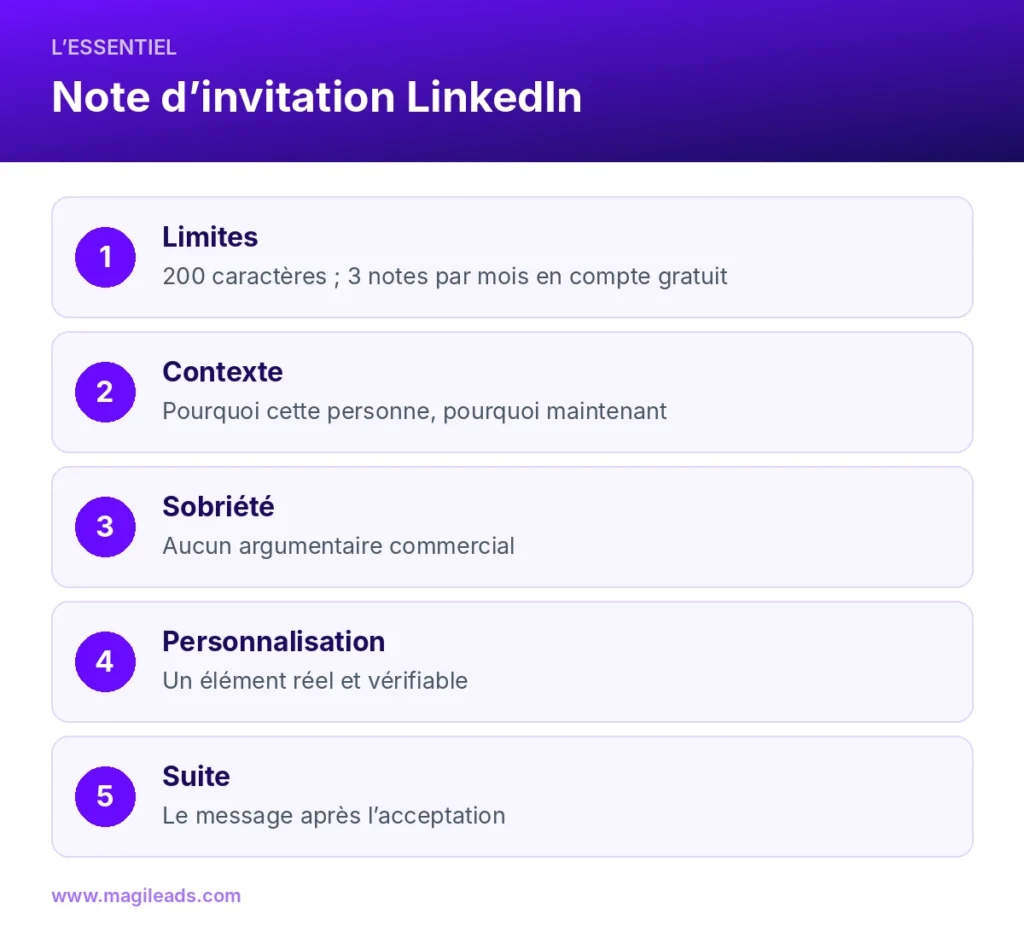
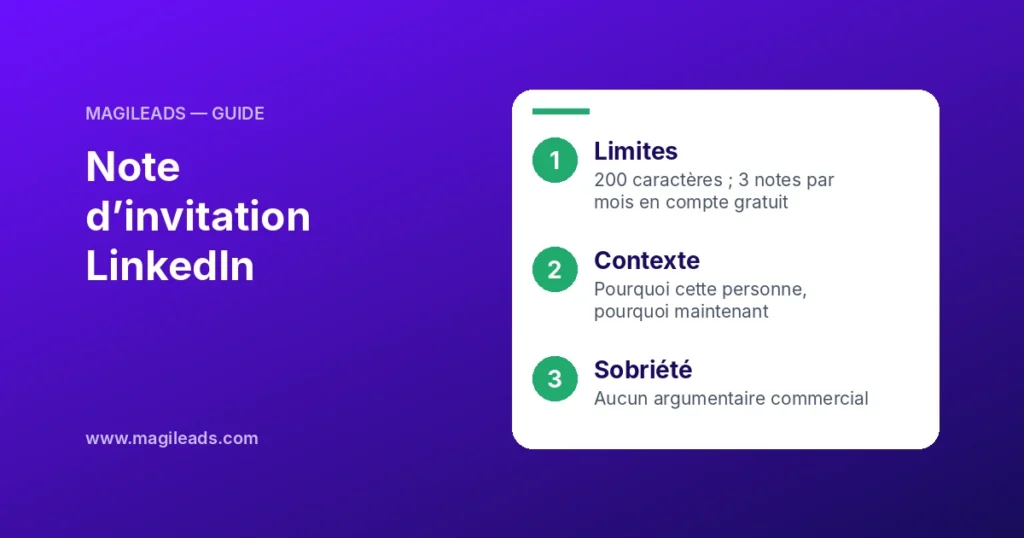
- Limits : 200 characters; 3 notes per month on a free account.
- Context : why this person, why now.
- Simplicity : no sales pitch.
- Personalization : a real and verifiable element.
- Next : the message after acceptance.
The official limits of the LinkedIn invitation note
According to LinkedIn's help page (accessed November 26, 2026), a free account can add a personalized message to a maximum of three connection requests per month, and each message can be up to 200 characters long. Premium members can personalize all their invitations, but limits on the number of connection requests may still apply. LinkedIn is changing these rules: check the help page before building a campaign.
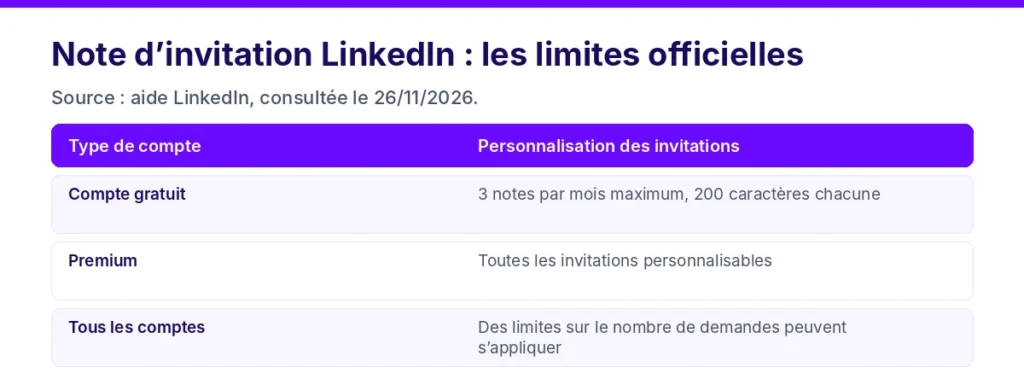
In practical terms, with a free account, the LinkedIn invitation note is a scarce resource: reserve it for your most important contacts. To personalize all your invitations, you need a Premium or Sales Navigator subscription. See our article on Sales Navigator pricing and benefits.
For all quotas (invitations, searches, connections), see our LinkedIn limits.
Is it always necessary to add a note?
Not necessarily. An invitation without a note isn't frowned upon, especially if your profile is complete and you share an obvious connection with the person (same industry, mutual connections, commented posts). A note becomes useful when the connection between you isn't obvious: it then explains the reason for your request.
On the other hand, a bad rating is more damaging than no rating at all. A sales pitch in an invitation gives the impression that the connection is just a pretext for a sale. If you have nothing relevant to say, send the invitation without a rating and carefully craft your first message after acceptance.
The 5 rules for a good LinkedIn invitation score
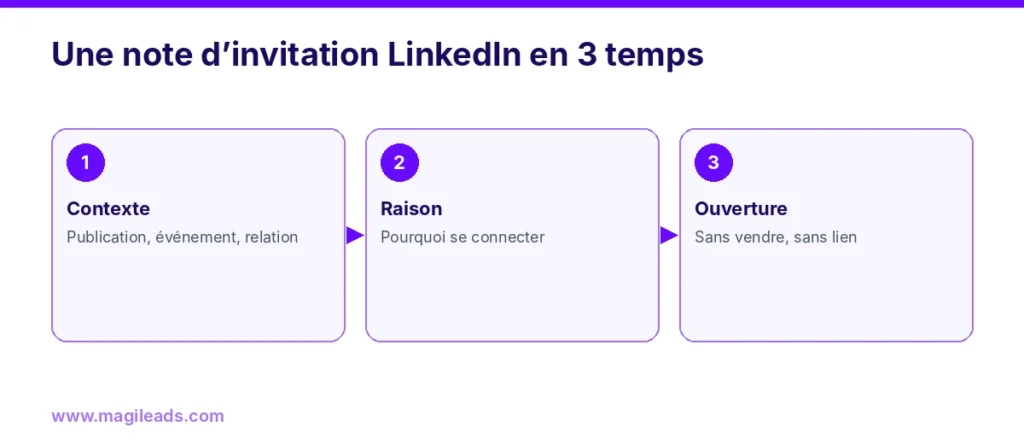
- Provide context : how you know the person or what led you to their profile (a post, an event, a shared interest).
- Explain the reason for the request in one sentence: to exchange ideas on a topic, to follow their publications, to share a resource.
- Keep it simple : no links, no presentation of your offer, no requests for meetings.
- Personalize with a real element : the first name is not enough; cite a verifiable detail of his activity.
- Respect the character limit : proofread to remove any unnecessary words.
12 examples of LinkedIn invitation notes
These examples are under 200 characters. Adapt them to your situation: replace the elements between curly braces.
1. After a publication
"Hello {First Name}, your post on {topic} made me reflect on our own approach. I would be delighted to follow your future posts."
A specific reference to its content shows that you have actually read it.
2. After an event
"Hello {First Name}, we were both at {event}. Your question on {topic} caught my attention: I'd love to stay in touch."
The shared memory immediately creates a context.
3. Common relationship
"Hello {First Name}, {Relationship} told me about your work on {subject}. I would like to join your network."
Only mention a mutual acquaintance if they actually told you about the person.
4. Same sector
"Hello {First name}, I also work in the {sector}. I am happy to exchange ideas with peers on {topic}."
Belonging to the same professional field is often enough to justify the request.
5. Company News
"Hello {First Name}, congratulations on {news} at {Company}. I've been following this closely and would be delighted to follow you."
Positive news is a good excuse, provided it remains brief.
6. New position
"Hello {First Name}, congratulations on your new role as {position}. I would be happy to have you in my network."
A change of position is a time when people are more willing to accept new connections.
7. Common interest
"Hello {First Name}, we share an interest in {topic}. I regularly publish on this subject and would be happy to exchange ideas."
Useful if you yourself publish content related to the person.
8. LinkedIn Group
"Hello {First Name}, we are both members of the {group} group. Glad to expand the network with active members."
The common group is a simple and honest context.
9. Former student of the same school
"Hello {First name}, fellow alumnus of {school}, I've just discovered your career path at {Company}. Glad to stay in touch."
The shared school creates a natural sense of closeness.
10. Content Recommendation
"Hello {First Name}, I've published a summary on {topic} that might interest you given your position. Glad to have you in my network."
Suggest a resource without a link in the note: you will share it after acceptance.
11. Before an appointment
"Hello {First Name}, we're exchanging messages {day} about {subject}. I'm adding you upstream."
The note confirms a previously scheduled contact.
12. After a telephone conversation
"Hello {First Name}, thank you for our conversation this morning. I'm adding you to facilitate future discussions."
The connection naturally extends an initial contact.
Mistakes to avoid
- Present your offer or request an appointment as soon as you receive the note.
- Copying the same note for hundreds of people.
- Inventing a context ("I saw your profile and I was impressed") without any real details.
- Insert a link, which gives a commercial character to the request.
- Going over the limit and letting LinkedIn truncate your message.
The same principles apply to your emails: see the phrases to avoid in your prospecting emails.
After acceptance: the first message
Acceptance is just one step. The first message should build on the initial message without abruptly shifting into a sales pitch: thank them, reiterate the context, offer a resource, or ask a question. If the person doesn't respond, a measured follow-up a few days later is possible; see our guide to LinkedIn follow-up messages and our tips for writing your LinkedIn prospecting messages.
Automate invitations without losing quality
Automation tools allow you to send invitations, visit profiles, and send messages according to a pre-defined scenario. In Magileads, the message template library includes a category dedicated to LinkedIn invitations, and campaigns combine profile visits, invitations, messages, and emails. Automation doesn't replace personalization: segment your target audience, use reliable variables, and keep volumes reasonable to protect your account. See our guide to automated LinkedIn prospecting.
One final recommendation: reread each LinkedIn invitation note as if you were receiving it yourself. If it doesn't make you want to accept, revise it before sending it.
Tailor your LinkedIn invitation note to your target audience
An effective LinkedIn invitation note isn't written the same way for a small business owner, a purchasing manager at a large corporation, or a recruiter. Business owners receive many requests and appreciate very short, concise notes that get straight to the point. Subject matter experts are more receptive to a specific reference to their field or publications. Highly active LinkedIn profiles readily accept invitations but immediately recognize a generic note.
Before writing, ask yourself what would motivate this person to accept: a shared interest, a current event, a common relationship, a useful resource. If you can't think of anything relevant, it's best to send the invitation without a note, then carefully craft the first message after they accept.
Measure the effectiveness of your notes
Track your invitation acceptance rates, both with and without ratings, and by rating type. Comparisons should be made with comparable targets: a high acceptance rate among your peers says nothing about the rate you'll get from decision-makers in another sector. Beyond acceptance, look at how many connections lead to a conversation, then to a meeting: this is the true indicator of the quality of your approach.
With a free account and only three personalized notes per month, every LinkedIn invitation note counts. Reserve them for priority contacts and track the responses you get. With a Premium or Sales Navigator account, you can test more wording and more quickly identify what works for each target audience.
Your profile matters as much as your rating
Before accepting an invitation, most people check the sender's profile. A professional photo, a clear headline explaining what you do and who you work for, a summary focused on the problems you solve, and a few recent posts make your request credible. A great LinkedIn invitation score won't compensate for a sparse or overly salesy profile. Take the time to refine your profile before launching an invitation campaign.
LinkedIn invitation note: the pre-sending checklist
- The LinkedIn invitation note is less than 200 characters long.
- She cites a real element: publication, event, relationship, news item.
- It contains neither a link nor a presentation of your offer.
- It reads like a message written for that person, and for that person alone.
- Your profile is up-to-date and consistent with the reason given in the note.
If your LinkedIn invitation note addresses these five points, it has a good chance of being well received. Finally, keep track of your best wording: a library of LinkedIn invitation notes categorized by situation will save you time with each new campaign. A well-prepared LinkedIn invitation is the best starting point for a lasting business relationship.
Frequently Asked Questions
- How many characters are allowed in a LinkedIn invitation note? Up to 200 characters according to the LinkedIn help page consulted on 26/11/2026.
- How many notes can you send with a free account? A maximum of three personalized invitations per month according to LinkedIn; Premium members can personalize all their invitations.
- Should you include a link in the invitation note? No: a link makes the request seem commercial. Share it after acceptance.
- Is an invitation without a rating less likely to be accepted? Not necessarily: a complete profile and a clear context are often enough. A bad rating is more detrimental than no rating at all.
Automate your LinkedIn invitations with care
Profile visits, invitations, messages and emails all in one scenario: try Magileads free for 14 days.