A follow-up message on LinkedIn is often what turns silence into a conversation. Your prospects receive a lot of requests: a lack of response rarely means a refusal, more often a lack of time. The key is to follow up at the right moment, with a message that offers something new. Here's the method, the right pace, and ten examples to adapt.
LinkedIn follow-up message: the essentials
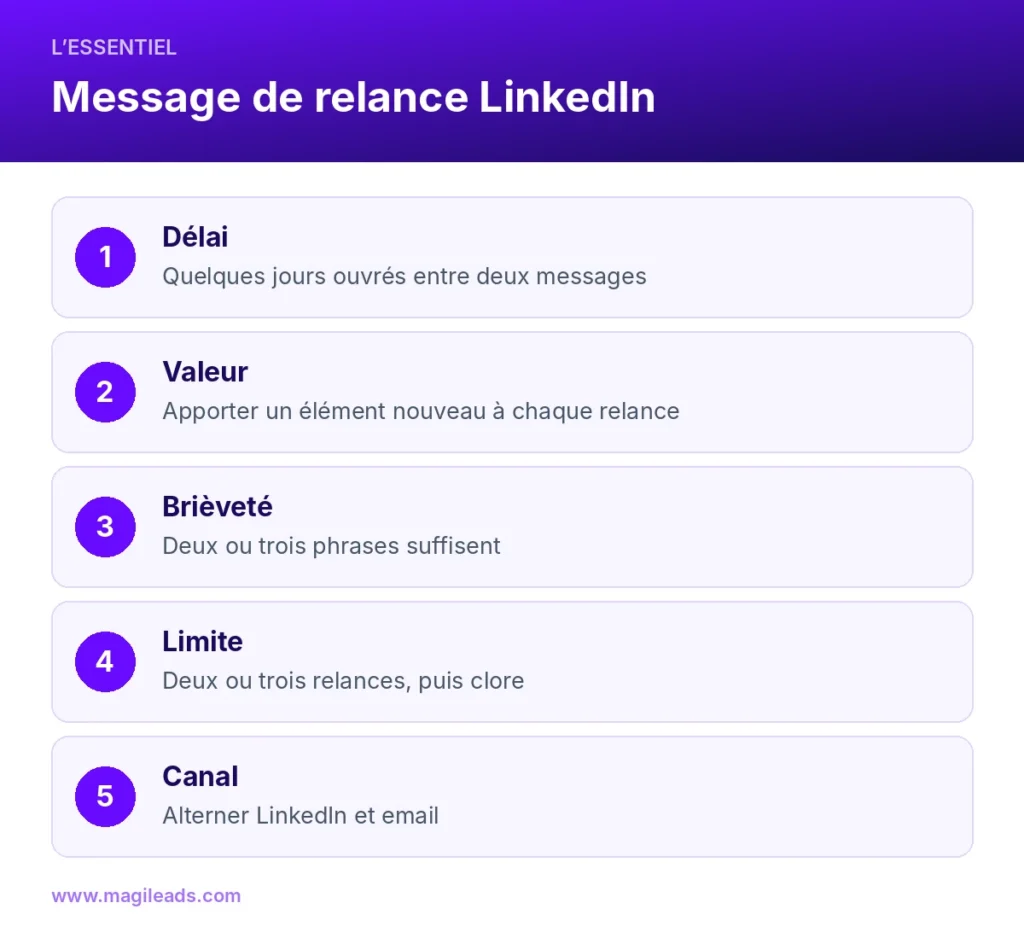
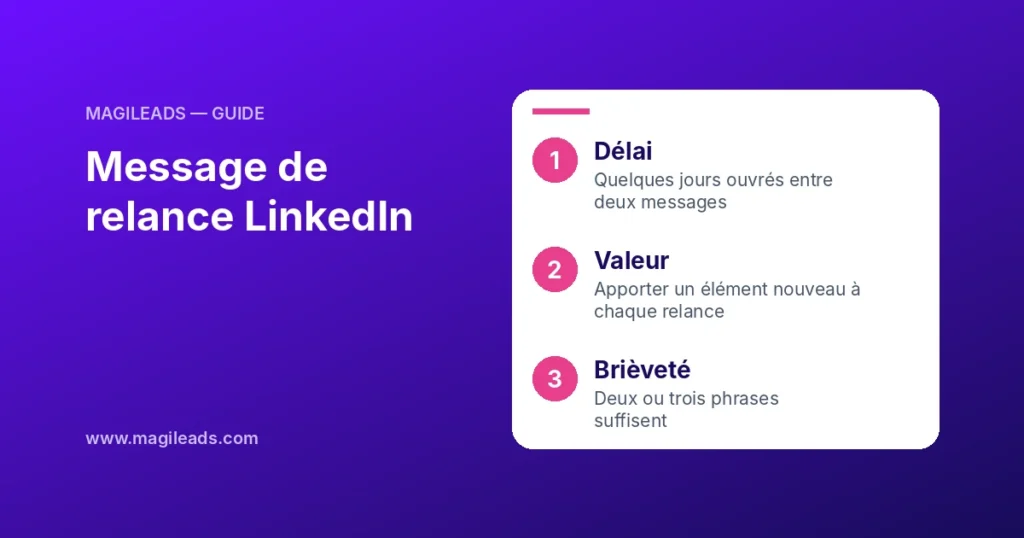
- Time frame : a few working days between two messages.
- Value : to bring a new element to each relaunch.
- Brevity : two or three sentences are enough.
- Limit : two or three restarts, then close.
- Channel : alternate between LinkedIn and email.
Why follow up on LinkedIn?
On LinkedIn, messages arrive in a shared inbox that includes personal conversations, business inquiries, and notifications. An initial message can easily go unnoticed or be read at the wrong time. A well-crafted follow-up reminds people of your approach without being pushy and provides another opportunity to respond.
The follow-up process is also a test: a prospect who doesn't respond to any of your messages indicates that the topic isn't relevant to them right now, or that your approach needs to be revised. Measuring responses at each stage helps you improve your messaging over the course of your campaigns.
When should I send a LinkedIn follow-up message?
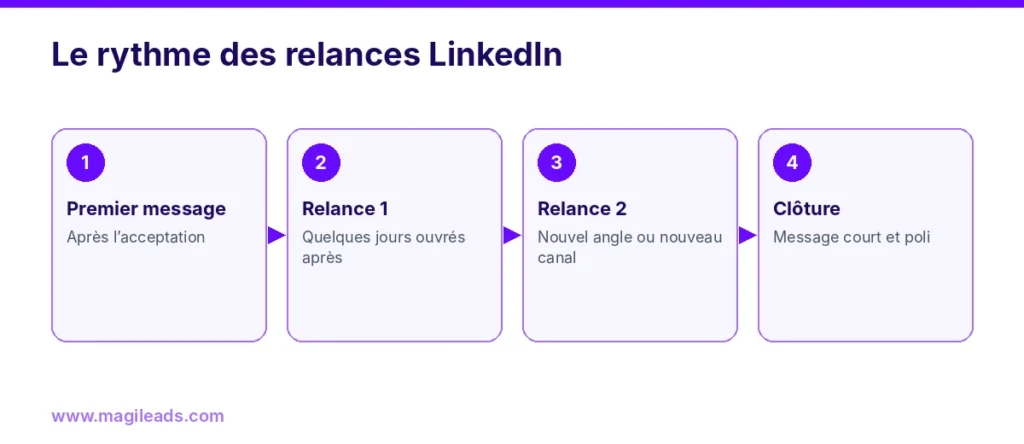
There's no universal timeframe, but a few guidelines can help avoid mistakes. Leave at least a few business days between the initial message and the first follow-up: sending a follow-up the next day gives the impression of being pushy. Then, space out subsequent follow-ups even further. Avoid periods when your target is less available, such as the end of the quarter for sales teams or holiday periods.
| Stage | indicative time | Objective |
|---|---|---|
| First message | After accepting the invitation | Open the conversation |
| First relaunch | A few working days later | Reinforce your message with a new element |
| Second attempt | One to two weeks later | Change angle or channel |
| Closing message | One to two weeks later | Close politely and leave the door open |
These timeframes are starting points: adjust them according to your results and the decision cycle of your target audience.
The rules for a good LinkedIn follow-up message
- Bring something new to the table : a resource, a current event, a different question. Simply saying "I'd like to follow up" won't do anything.
- Keep it brief : two or three sentences. The prospect should be able to respond in a few seconds.
- Don't blame the prospect for their silence.
- Ask a simple questionthat can be answered with yes, no, or a single word.
- Know when to stop : after two or three follow-ups without a response, close the message politely.
10 LinkedIn follow-up message examples
1. Restart with a resource
"Hello {First Name}, I was thinking about our discussion on {subject}: here is a guide that details the method. Is this a current topic at {Company}?"
The resource justifies the relaunch and provides value, even without a response.
2. Follow-up with a closed question
"Hello {First Name}, a quick question: is {subject} one of your priorities this quarter?"
A question that can be answered with yes or no makes it easier to answer.
3. Follow-up on a current event
"Hello {First Name}, I saw the {news} announcement. Does this change your needs in {subject}?"
Current events make the relaunch relevant and personal.
4. Follow-up after publication
"Hello {First Name}, your post on {subject} is exactly what I was talking about in my message. Have you had a chance to take a look at it?"
You show that you are following his activity, without being pushy.
5. "Bad timing" relaunch
"Hello {First Name}, I understand that the timing might not be ideal. Would you like me to get back to you in a few weeks?"
You suggest an elegant outing and often get a date.
6. Follow-up with the "right person"
"Hello {First Name}, if this matter doesn't directly concern you, could you please direct me to the correct person at {Company}?"
A "it wasn't me" response saves you time.
7. Follow-up with a use case
"Hello {First name}, a company in your sector faced the same challenge on {topic}; I can briefly explain how they addressed it."
Mention only one real case, which you can elaborate on if asked.
8. Following up after a missed appointment
"Hello {First Name}, we weren't able to connect as planned. Would you be willing to suggest another time slot that suits you better?"
Without any flaws, the follow-up allows the prospect to regain control.
9. Voice prompt
"A short voice message of a few seconds that reiterates your first message and proposes a conversation."
Voice communication humanizes the restart process. In Magileads, voice steps are available as a paid option.
10. Closing Message
"Hello {First Name}, I don't want to clutter your inbox: I'm closing this matter on my end. Please don't hesitate to contact me again if it becomes a priority."
This last message often gets a response, because it frees the prospect from any pressure.
How many reminders should I send?
After two or three unanswered follow-ups, persistence becomes counterproductive and can damage your reputation. It's best to switch to a different channel: an email, if you have a verified professional email address, or a phone call for prospects who have shown interest. See our article on how many emails to send in a sequence and our guide to effective follow-up emails.
LinkedIn follow-up and email: combining channels
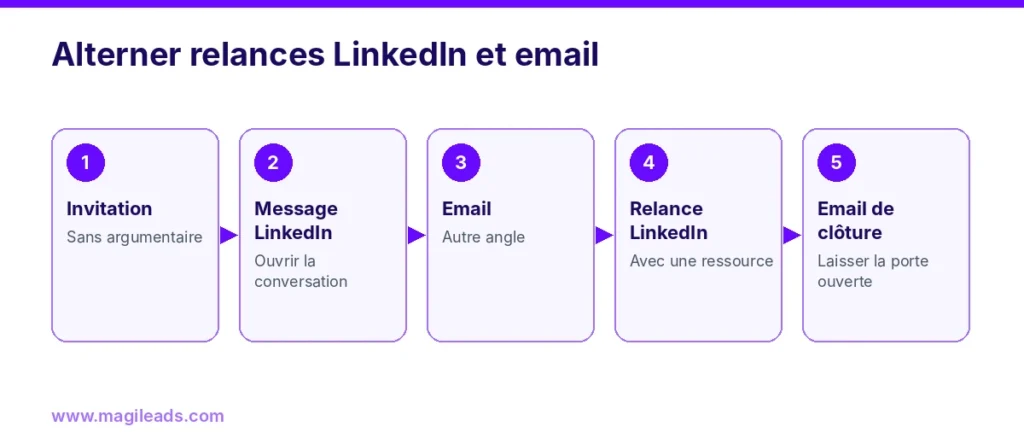
A sequence that alternates between LinkedIn and email multiplies opportunities for engagement without repeating the same message in the same place. For example: invitation, initial LinkedIn message, email a few days later, follow-up LinkedIn message with a resource, then a closing email. In Magileads, this type of scenario is built into multichannel campaigns, with a condition and a time interval between each step: the sequence stops automatically as soon as the prospect responds, regardless of the channel.
What to do when the prospect responds?
Even a negative response is valuable information. Always thank them, then adapt your approach: suggest a time slot if they're interested, ask when to come back if the timing is poor, and remove them from your campaigns if they no longer wish to be contacted. For responses expressing reservations, consult our guide on handling sales objections.
Finally, record each response and objection in your tracking tool. Over the course of your campaigns, you'll learn which LinkedIn follow-up message works best for each target audience, and you can refine your sequences accordingly. An effective LinkedIn follow-up message is rarely the first one you write: it's built through successive trials, comparing response rates.
Adapt the recovery plan according to the context
The best LinkedIn follow-up message depends on what happened before. If the prospect accepted your invitation without replying to your first message, the follow-up can offer a resource or ask a different question. If they replied initially and then stopped responding, simply recap where you left off and suggest the next step. If they canceled a meeting, offer a new time slot without making any accusations.
The prospect's context also matters. A small business owner often prefers direct and brief exchanges; a manager in a large corporation may need information to share internally. Tailor the tone and content of each LinkedIn follow-up to your contact's role, rather than sending the same message to everyone.
Mistakes that cause a LinkedIn follow-up to fail
The first mistake is sending an empty follow-up: "I'm just getting back to you" or "Did you see my message?" add nothing and give the impression of pressure. The second is sending a follow-up that's too long, repeating the entire argument of the first message. The third is sending a follow-up too soon, the day after the first message.
Another common mistake is to follow up indefinitely. Beyond two or three unanswered messages, persistence damages your image and can lead the prospect to remove you from their network or block your messages. It's better to end politely: a prospect who wasn't ready today might get back to you later, provided your last message left a good impression.
Measure the effectiveness of your follow-ups
Track the response rate at each stage of your sequence: initial message, first follow-up, second follow-up, and closing message. You'll often see that a significant portion of responses arrive after the first or second follow-up. Also, compare the wording: does a follow-up with a resource perform better than a direct question for your target audience? These measurements, taken on sufficient data, will allow you to improve each LinkedIn follow-up message in your future campaigns. Maintain a library of your best messages, categorized by situation and target audience: each successful LinkedIn follow-up can serve as a template for the next. A good LinkedIn follow-up message is short, useful, and respectful of the prospect's time.
Frequently Asked Questions
- When should you send a LinkedIn follow-up message? Leave at least a few business days after the first message, then space out subsequent follow-ups even more.
- How many follow-ups on LinkedIn? Two or three at most, then a closing message or a change of channel.
- Should you follow up with a prospect who saw the message but didn't reply? Yes, once or twice, with something new and a simple question. If there's still no response, close the conversation politely.
- Can LinkedIn follow-ups be automated? Yes, with a tool that stops the sequence as soon as the prospect replies. Keep the volume reasonable and the messages personalized.
Automate your follow-ups without losing track
LinkedIn and email follow-ups in the same scenario, automatic stop upon response: try Magileads free for 14 days.