When you carry out an email campaign, it is essential to comply with data protection regulations, but also to maintain a positive relationship with your prospects and customers.
In this context, excluding unsubscribers and invalid or irrelevant email addresses becomes a key step in optimizing your mailings. Magileads, a leading platform for managing B2B campaigns, offers simple and effective solutions for filtering your mailing lists. Here's how to do it.

Why exclude unsubscribers and invalid email addresses?
- Compliance with GDPR (General Data Protection Regulation):
Excluding unsubscribers and invalid email addresses is primarily a matter of legal compliance. According to the GDPR, companies are obligated to respect users' communication choices. Recipients must be able to easily unsubscribe from your campaigns, and once they do so, their email addresses must be removed from your mailing list. Failure to do so can result in legal penalties and significant fines. Furthermore, ignoring unsubscribes can damage your company's reputation, as it may be perceived as a breach of user privacy. - Improving
Email Deliverability : One consequence of sending emails to invalid or inactive addresses is a decline in deliverability. Email servers, such as those of Gmail or Outlook, monitor the quality of sent emails and can reduce the deliverability of future emails if a campaign contains a high number of bounces. Bounces can be classified into two categories: "soft bounces" for temporary errors and "hard bounces" for permanent errors. By excluding these invalid addresses, you reduce the risk of being classified as spam, which improves the chances that your future emails will actually reach recipients. - Optimizing Campaign Performance:
Excluding unsubscribers and invalid email addresses helps optimize the overall performance of your email campaigns. By removing contacts who no longer wish to receive your messages or those with incorrect addresses, you send your emails to genuinely interested and potentially responsive individuals. This increases open rates, click-through rates , and ultimately, the return on investment (ROI) of your campaigns. By targeting only active and relevant contacts, you maximize the impact of your messages while minimizing wasted resources on ineffective sends. - Strengthening your brand image:
Excluding unsubscribers and respecting recipient preferences enhances your brand's credibility and image. When users see that you respect their choice to unsubscribe, it creates a positive perception of your company, based on respect for privacy and transparency. This demonstrates that you listen to your customers and are committed to maintaining a respectful relationship with them. Careful management of unsubscribes and invalid addresses reflects your professionalism and can even contribute to building loyalty among your prospects and customers.
READ ALSO: Magileads' Blacklist Feature
Step 1: Identify unsubscribed users and invalid email addresses in Magileads
Magileads integrates advanced features to automatically manage unsubscribes and errors. Here are the key points:
- Automatic unsubscribe management: When your recipients click on the unsubscribe link, Magileads automatically marks them as “unsubscribed” in your database .
- Email address verification: Thanks to its integrated verification tool, Magileads detects invalid or inactive addresses before sending your campaigns.
- Detailed sending reports: “soft bounce” or “hard bounce” errors , which indicate temporary or permanent problems with certain addresses, respectively.

Step 2: Exclude unsubscribers and invalid emails from your list
Once you have identified unsubscribes and invalid addresses, follow these steps to exclude them:
1 – Filter out unsubscribers
- Access your contact list in Magileads.
- Use the “Status” filter and select “Unsubscribed” .
- Export this list if necessary for archiving, or delete them directly from your active mailing list.
2 – Managing invalid addresses
- In the dashboard, access the campaign reports and identify the emails marked as “ bounces ”.
- Add them to an exclusion list or remove them from your main list.
3 – Create an exclusion list
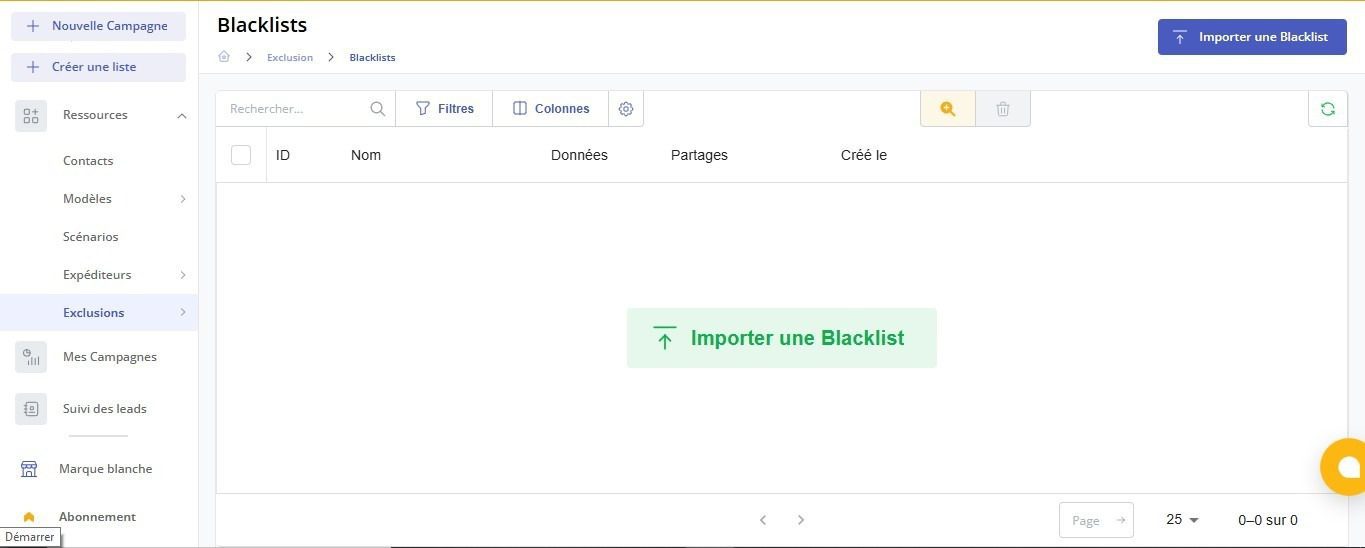
- Go to the “Exclusion Lists” .
- Manually add or import the email addresses you wish to block for your future campaigns.
Step 3: Automate the process with Magileads
To save time and avoid oversights, Magileads allows you to automate certain steps:
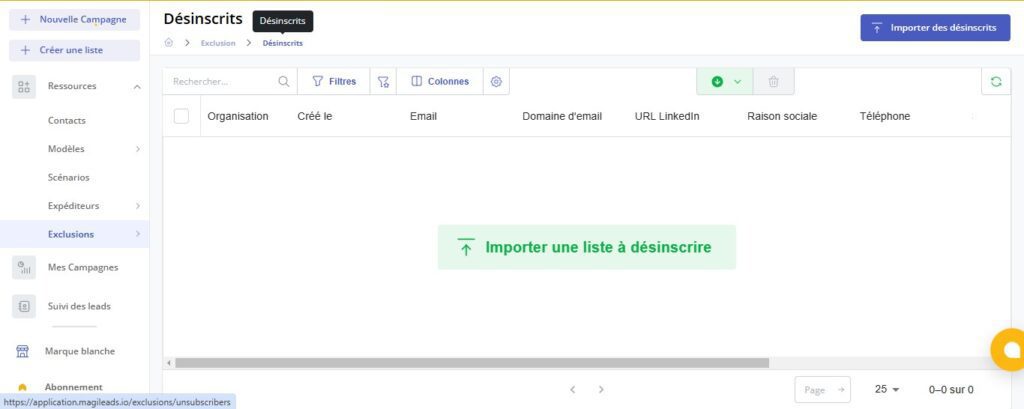
- Setting up global exclusions: Configure your campaigns to automatically exclude unsubscribers and addresses marked as invalid.
- Synchronization with your CRM : If you use a CRM, synchronize it with Magileads to import unsubscribe data in real time.
- Using smart scenarios: Magileads can integrate automated workflows to automatically identify and manage contacts to exclude.
Step 4: Test and validate your submissions
Before launching a campaign, follow these best practices:
- Simulate sending: Use the test function to verify that unsubscribers and invalid addresses are correctly excluded.
- Analyze your segments: Ensure that your segmentation includes only active and relevant contacts.
- Track your KPIs: After each campaign, analyze the results to adjust your next actions.
—————————
Magileads is prospecting automation software that lets you easily manage all the complex aspects of your marketing processes.
Test Magileads for free in 14 days. Click here .
Or book a demo to see how it works. Click here .