

Zapier transforms the way you work by automating repetitive tasks. You can connect over 3,000 apps to streamline your daily processes.
value activities .
Modern businesses benefit greatly from these solutions, as they eliminate human error and increase productivity. By integrating your preferred tools, you optimize your workflow and grow your business faster.
Understanding Zapier and its importance
What is Zapier?
A bridge between more than 3,000 applications
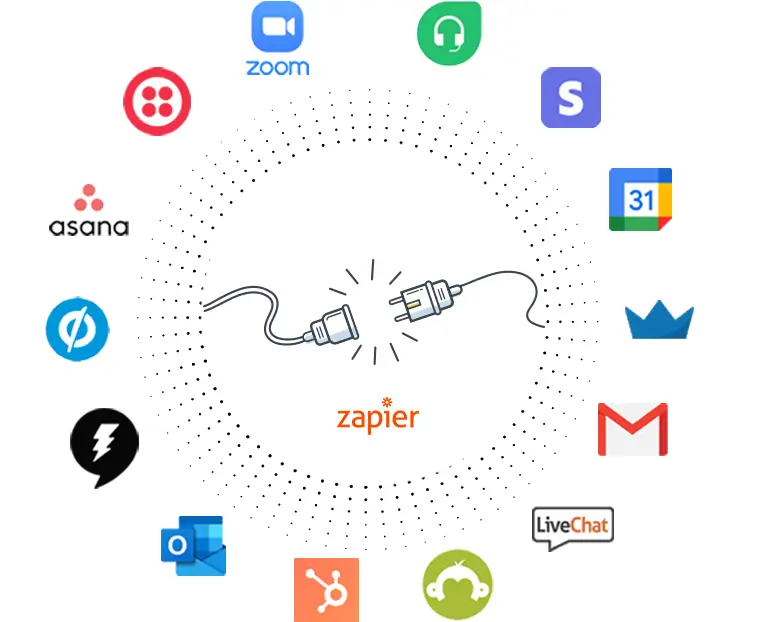
Zapier lets you connect over 3,000 applications , creating a seamless network between your favorite tools. Whether you use Gmail, Dropbox, or Google Drive, Zapier acts as a bridge, facilitating the exchange of information between these platforms . You don't need any programming skills to set up these connections. This greatly simplifies the management of your daily tasks.
A no-code tool for non-technical users
Zapier stands out for its no-code approach. You can create automations, called “Zaps” , without writing a single line of code.
This accessibility allows everyone, even without technical expertise, to benefit from automation. You simply configure triggers and actions to automate your processes.
↗️ Discover in this video how to synchronize your Zapier account with Magileads to automate your processes:
Why use Zapier?
Saving time and reducing human error
By automating repetitive tasks, Zapier saves you valuable time . You also reduce human error, as automated processes follow precise rules. For example, you can automate sending notifications or updating databases , minimizing oversights and mistakes.
Improved efficiency and productivity
Using Zapier improves your business efficiency. By automating workflows, you free up time to focus on higher-value tasks. This increases productivity and allows your team to concentrate on innovation and strategic development.
READ ALSO: How to use Zapier to synchronize your members or events in Magileads?
How to create and configure a Zap
Creating a Zapier account
To get started with Zapier , you first need to create an account. Go to the Zapier website and follow the registration steps. Once registered, explore the popular apps available. You'll discover a wide range of options, from Gmail to Slack, ready to be connected to automate your tasks.
Configuring a Zap
Setting up a Zap is simple and intuitive. You start by defining a trigger. This trigger is the event that initiates the automation. For example, receiving a new email can be a trigger. Next, you define actions. These actions are the tasks that Zapier will execute automatically. You can, for example, save email attachments directly to Dropbox.
Connecting applications and testing the Zap
Once your Zap is set up, connect the relevant applications. Make sure each application is properly integrated to ensure smooth synchronization. Test your Zap to verify that it's working correctly. This will ensure that all steps proceed as expected, without any issues.
Automation Expert: “Unleash the power of automation with Zapier! Imagine a world where your repetitive tasks are automated, where your data is seamlessly synchronized across different platforms.”
By following these steps, you optimize your processes and save valuable time. Zapier thus becomes an essential ally for simplifying your digital life and boosting your productivity.
—————————
prospecting automation software that allows you to easily manage all complex aspects of your marketing processes.
Test Magileads for free in 14 days. Click here .
Or book a demo to see how it works. Click here.







